
How can I update my Primary email for Customer Portal login?
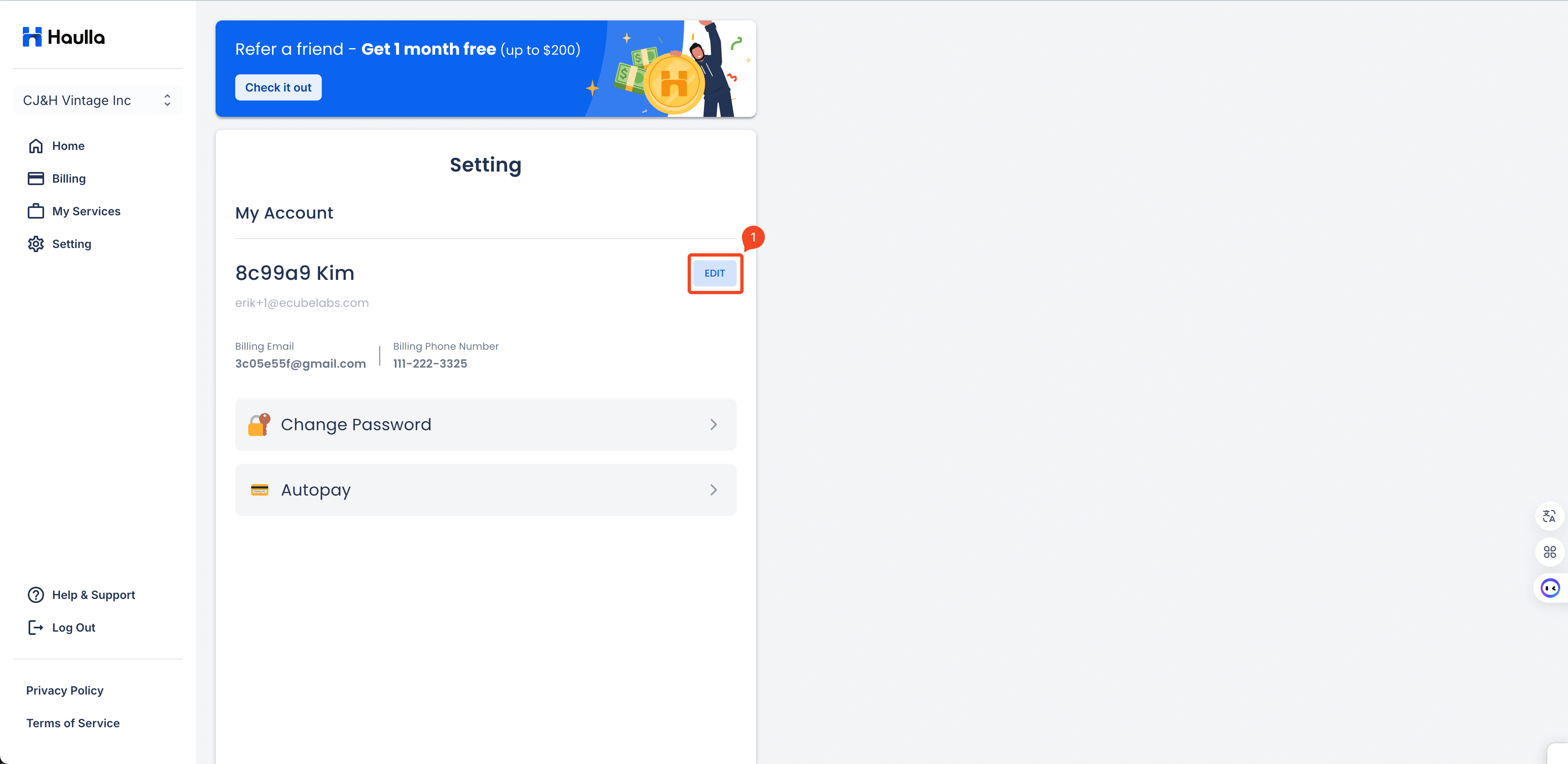
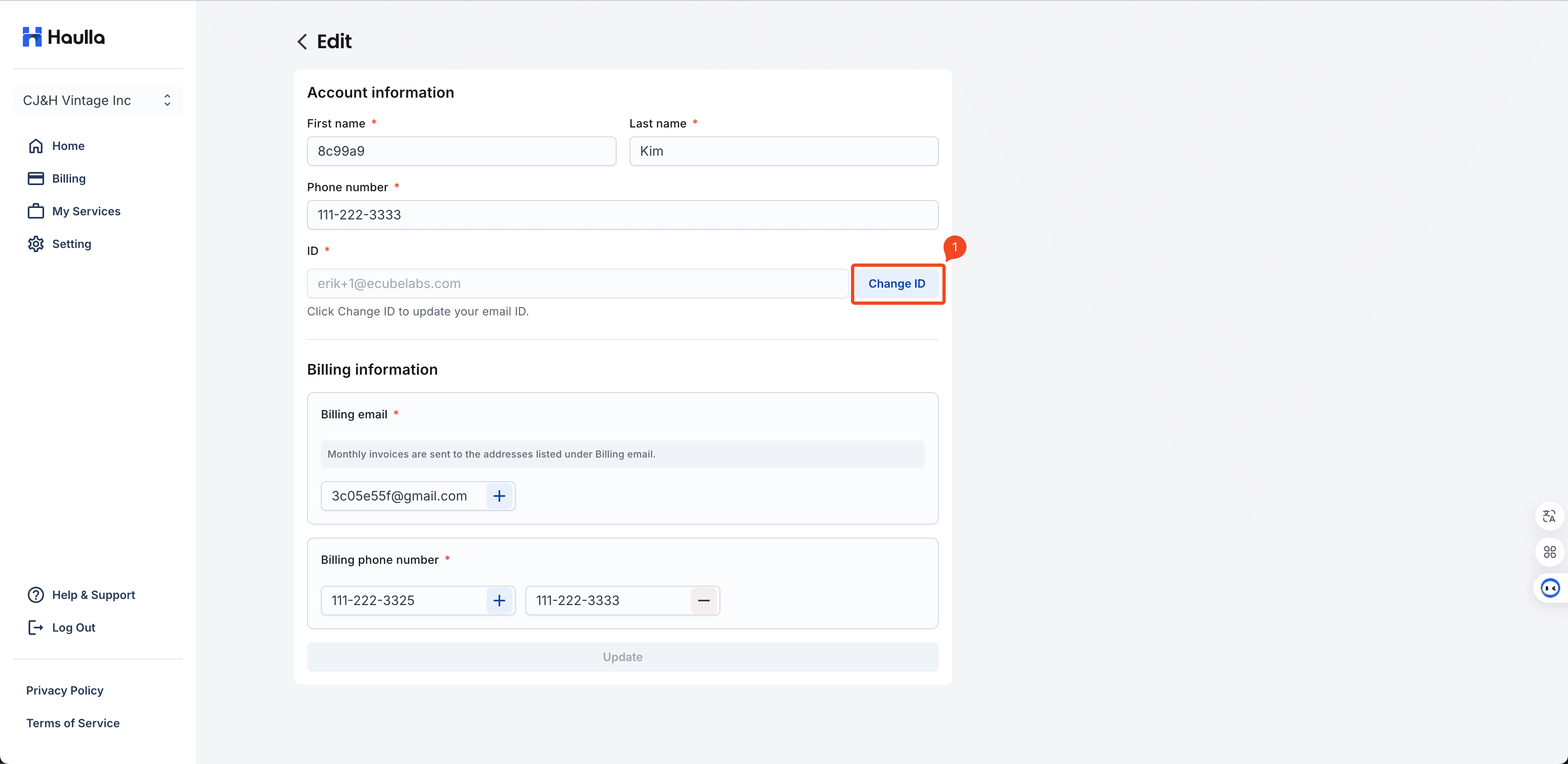
Log in to the Customer Portal with your current email, then go to Settings and click 'Edit' > 'Change ID'
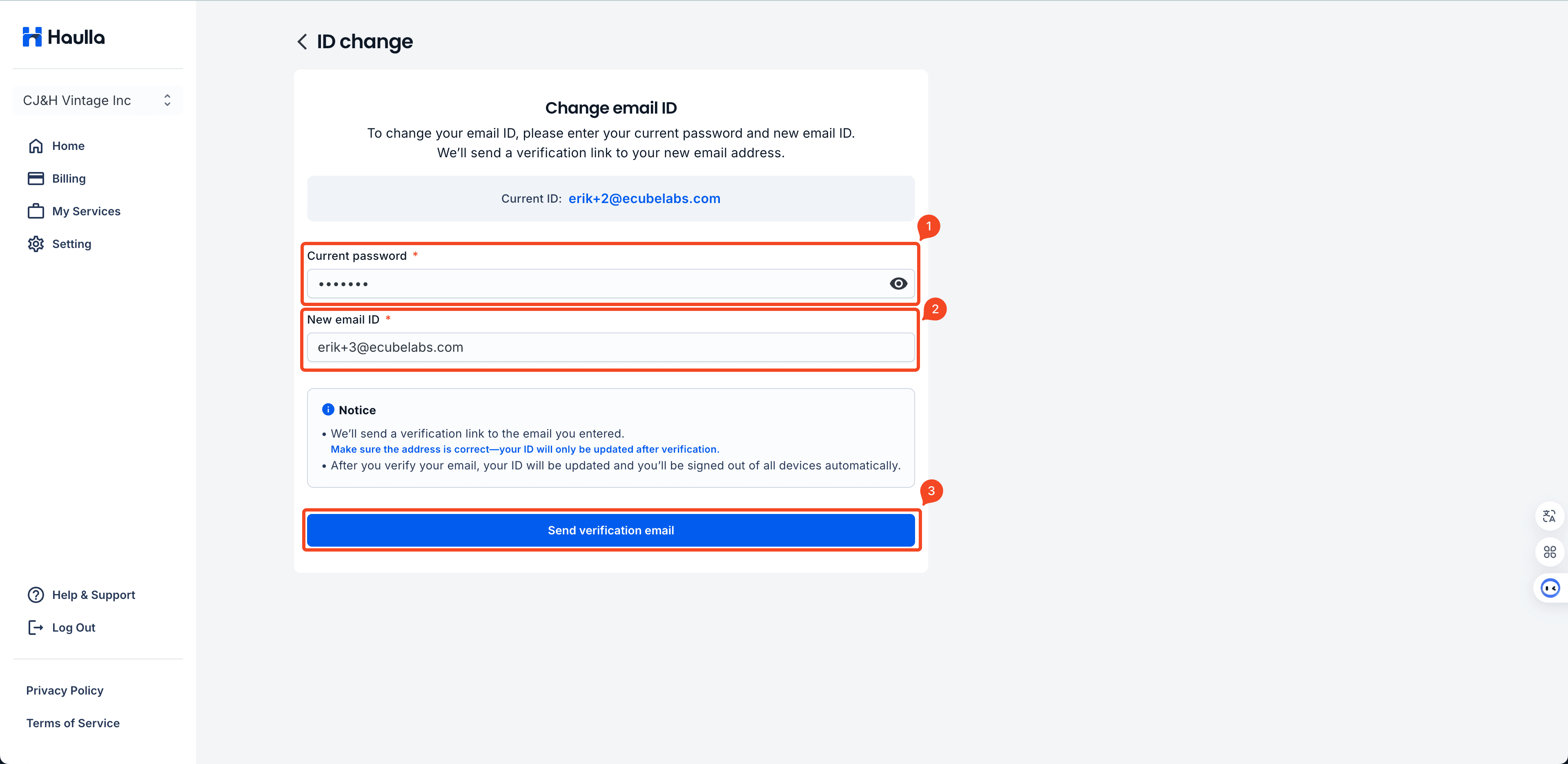
Enter your current password and the new email address you’d like to use.
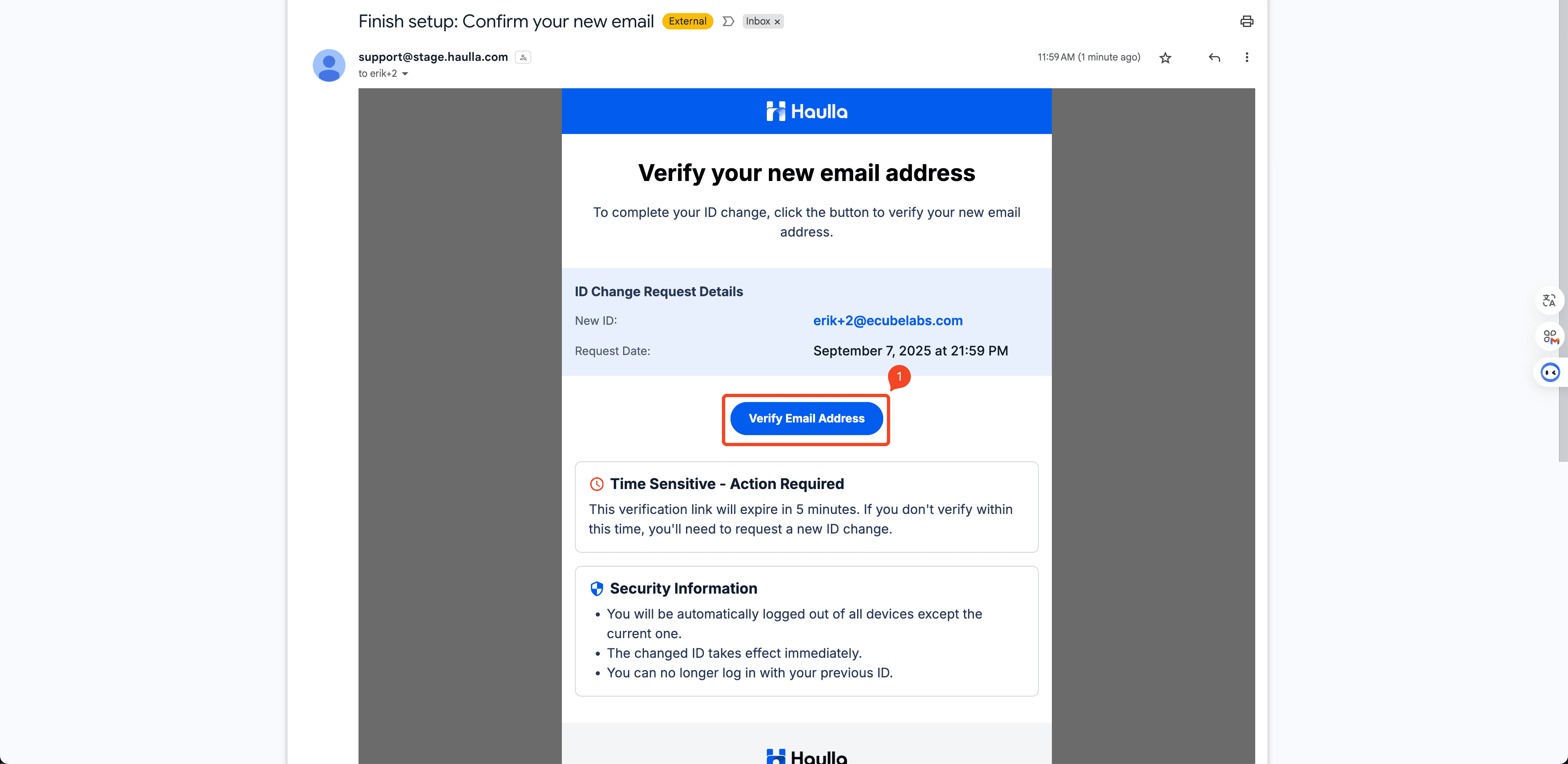
You’ll receive a verification email (it may take up to 2 minutes).
Please check the inbox of your new email.
※ The verification link will expire 5 minutes after your request.
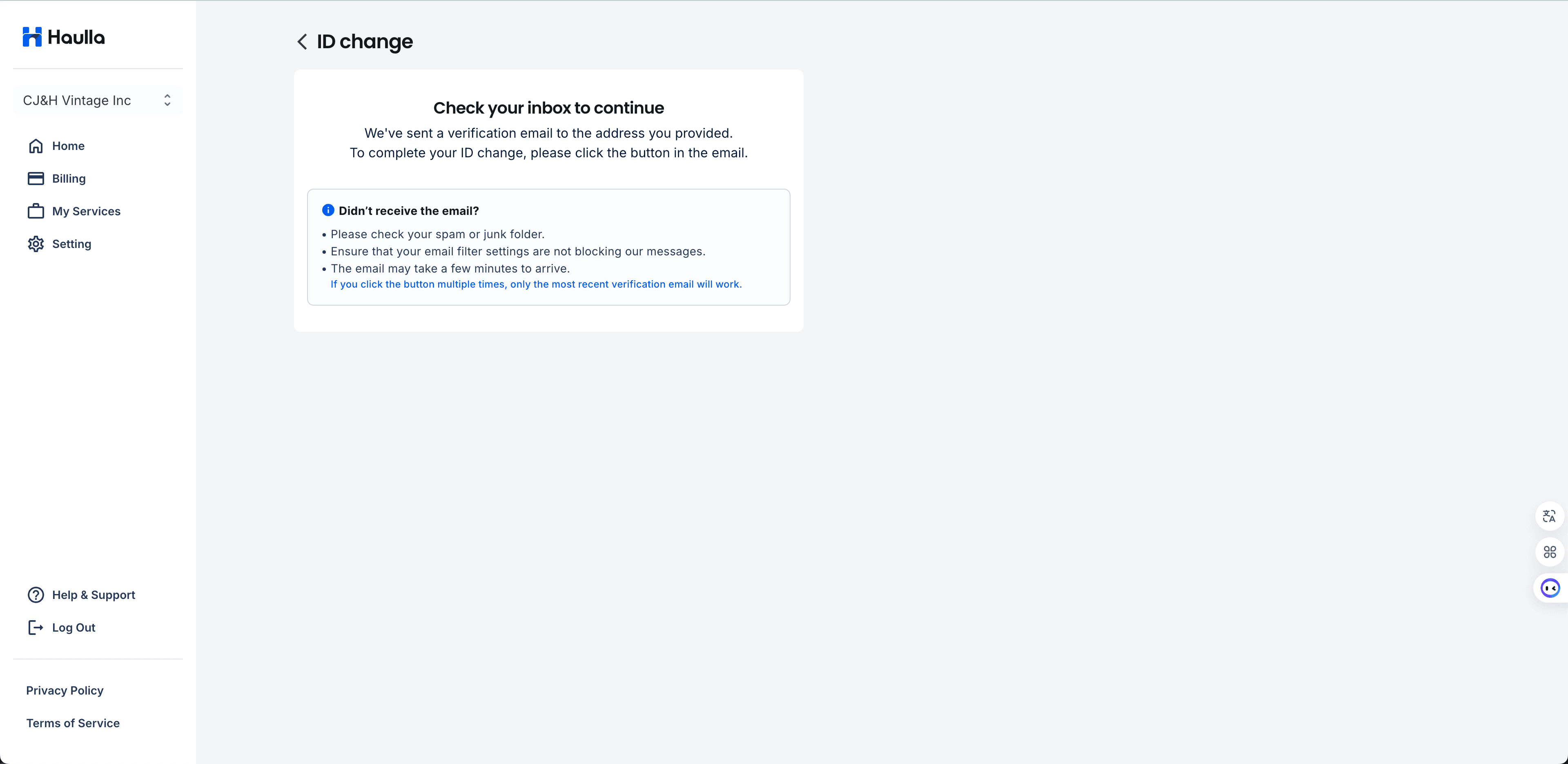
Open the verification email and click 'Verify Email Address'
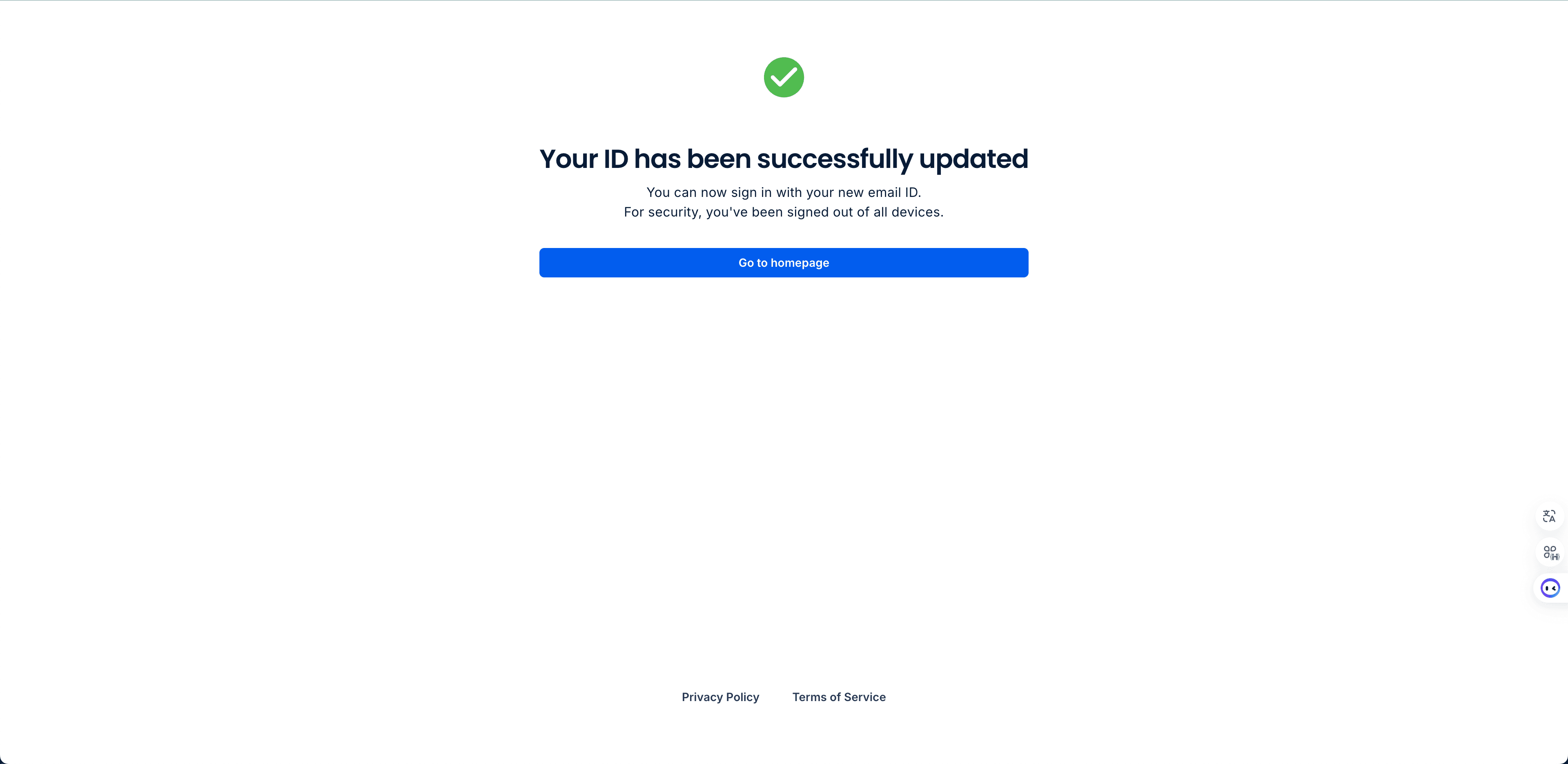
✅ Your primary email for Customer Portal login has now been successfully updated!
❗If you have multiple Haulla accounts and want to merge them under one primary email, this cannot be done through this ID Change feature. Please contact us at support@haulla.com with the following information:
Current email ID
New email address you’d like to use
🔑 In case you forgot your password : https://www.haulla.com/faq/forgot-my-customer-portal-password