
How can I change my customer portal password?
Do you want to change the password you were using after logging in? It’s very simple.
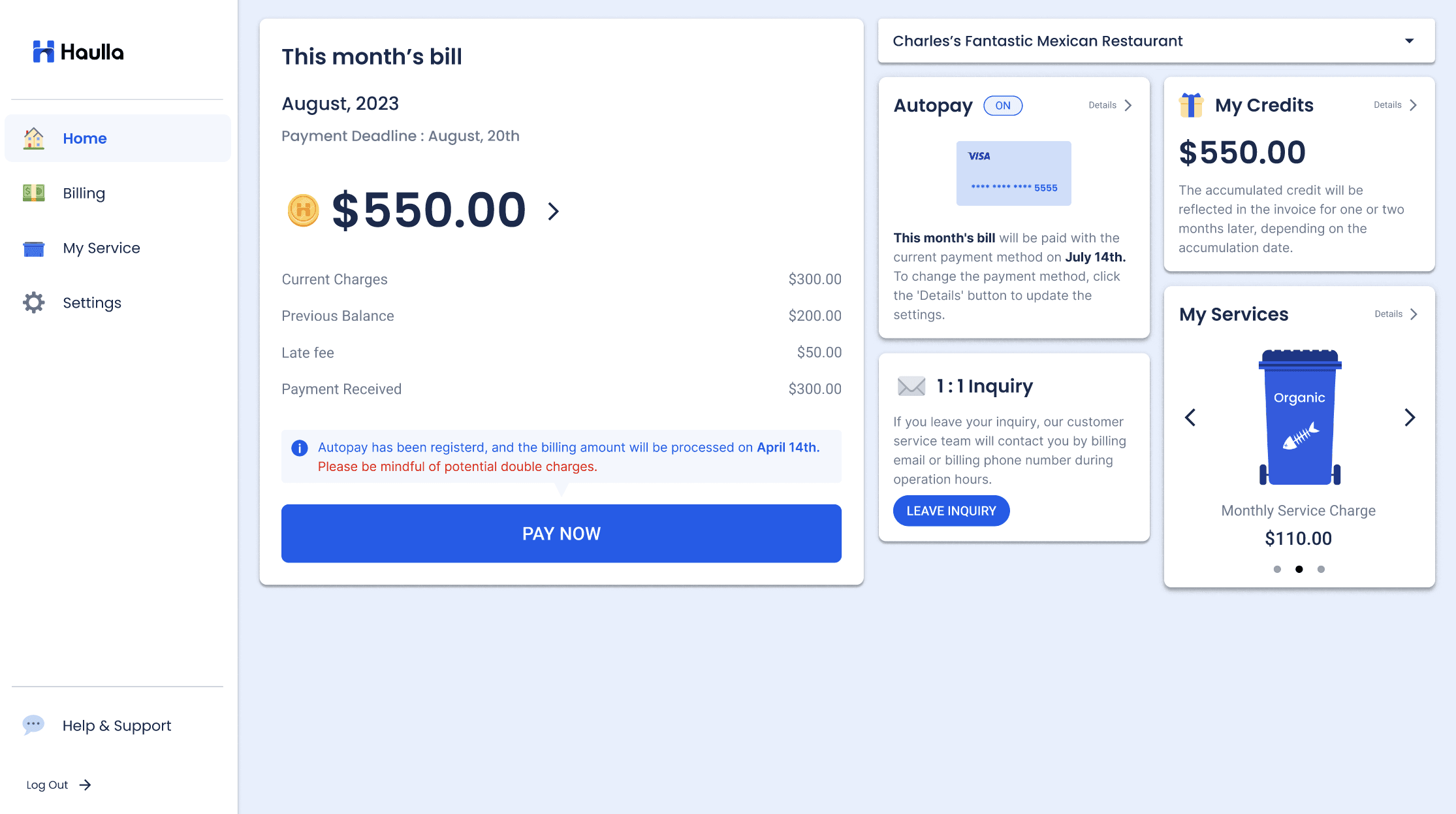
- Press the Setting Menu on the left panel.
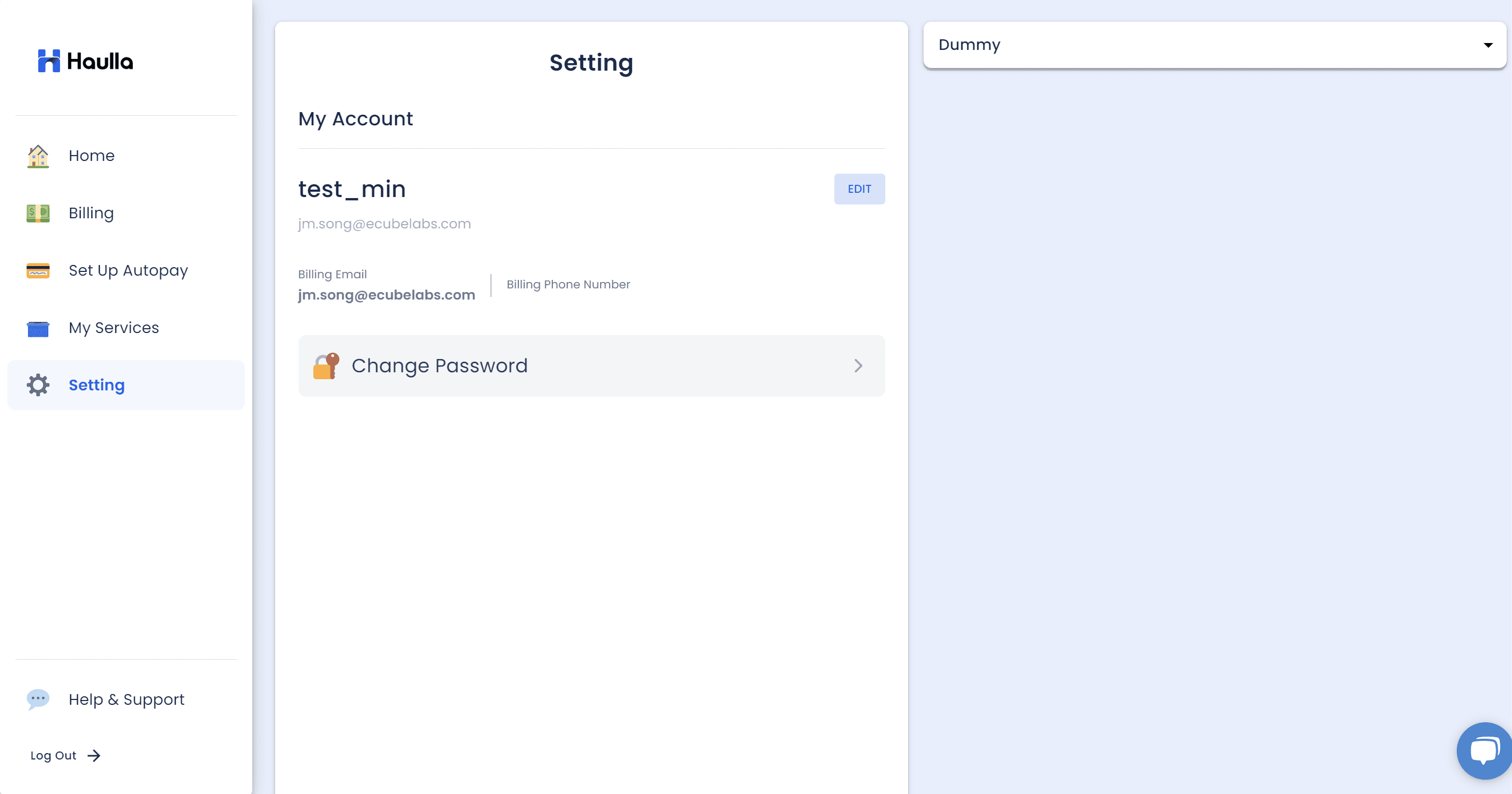
- Click Change Password button to get into the change password screen.
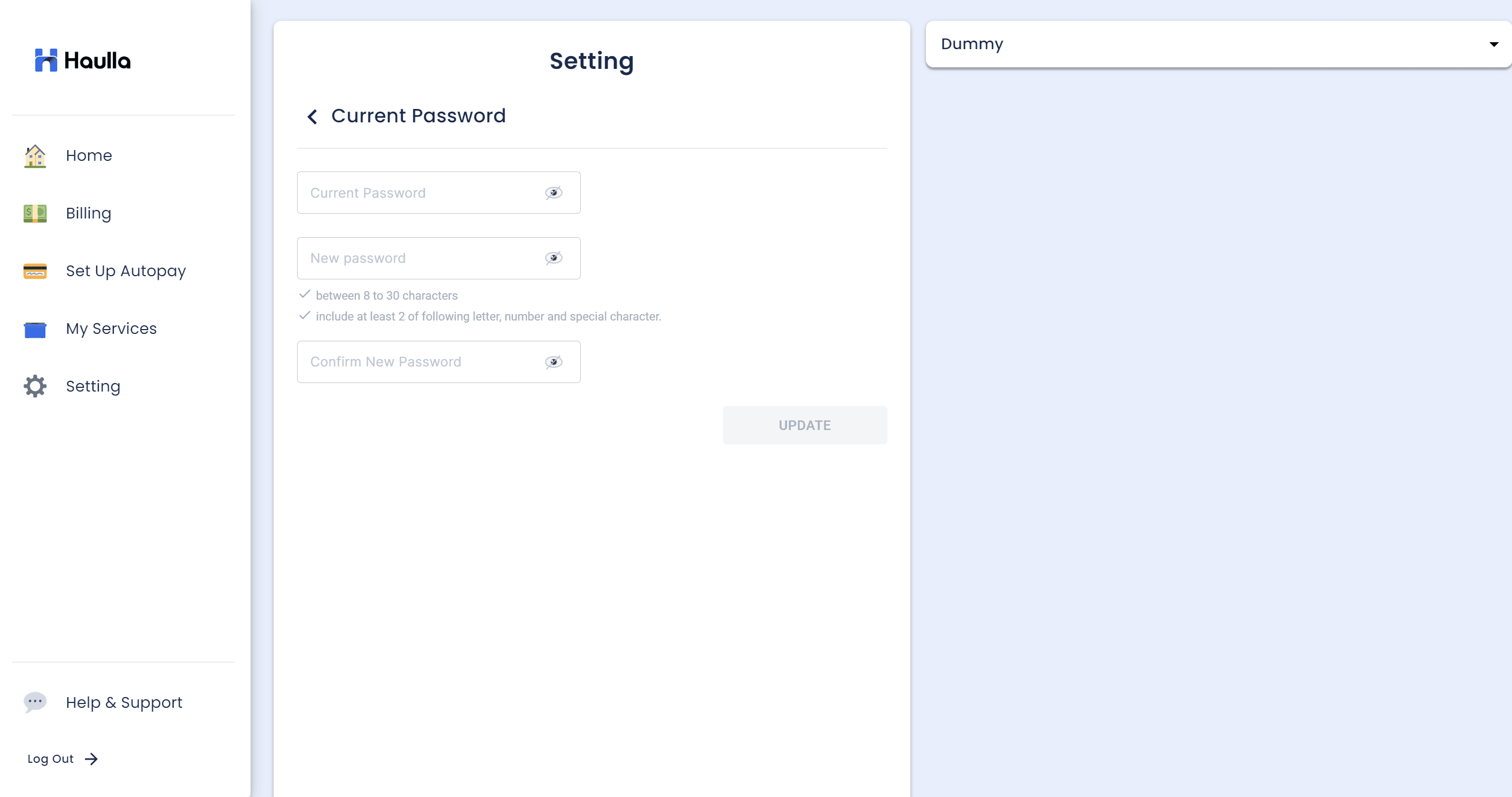
- The current password must be entered for the password you are currently using. If the password you are using is incorrect, an error message is displayed and the Update button will not be activated.
- Input the new password in the 2nd input box. The text below changes to blue each time the New password you entered meets the validation criteria. No error is displayed only if all of the following conditions are matched.
- Input new password again to confirm new password in the 3rd input box. If the confirmed new password differs from the new password, an error is displayed and the Update button will not be activated
- Click Update button after input all the necessary data.