
How do I change my payment method for autopay on customer portal?
Do you want to change your payment method for your autopay? You can easily mange your payment method on Customer portal.
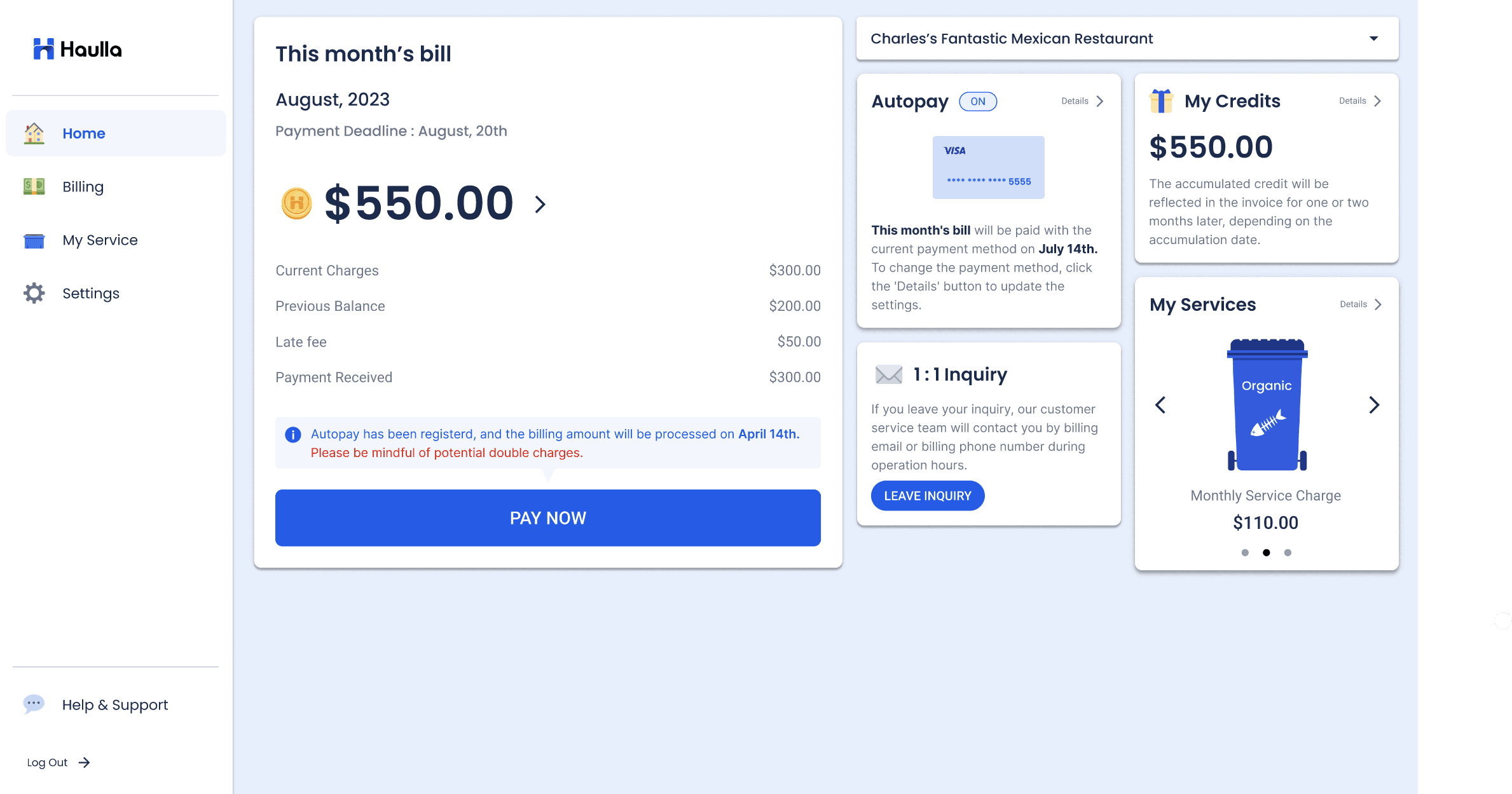
- Click the Settings button or Details button in the Autopay container.
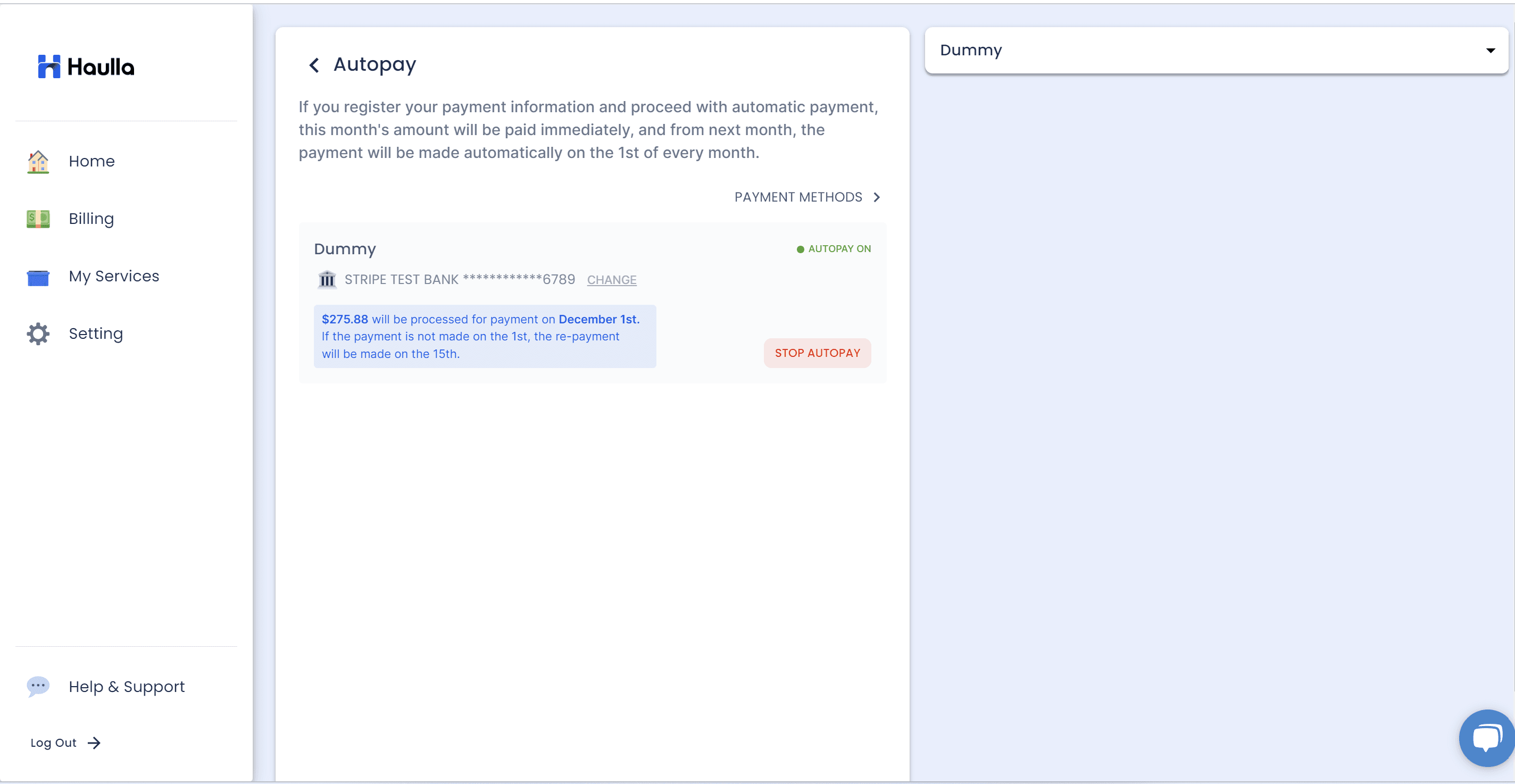
On the Autopay screen, all your business information and auto-payment status will be displayed as a list. To change the payment method for your autopay, please click CHANGE button next to the business that you want to change the information.
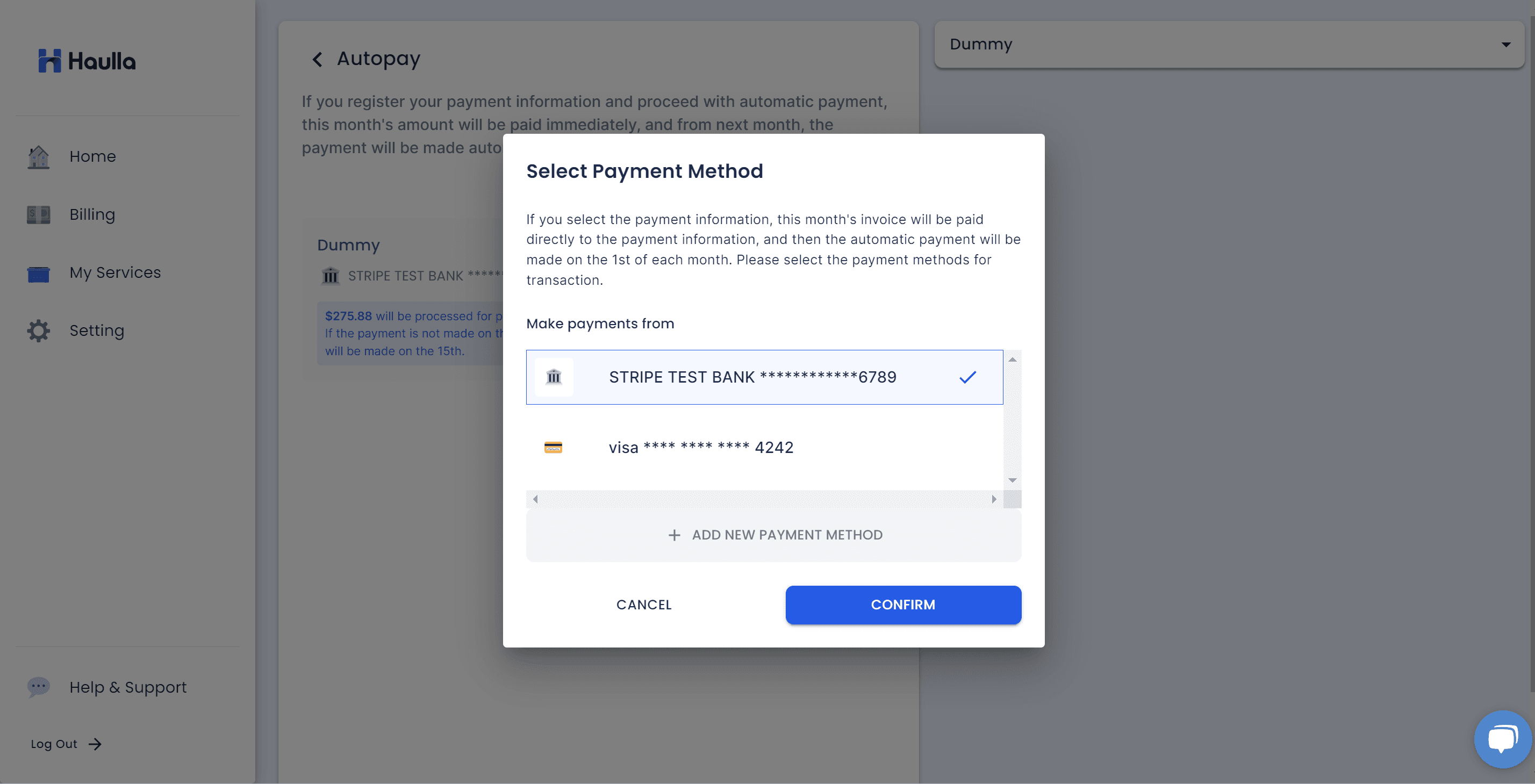
All you have to do is just selecting the payment method that you want to register for your autopay. If you want to register new payment method, please click add new payment method button to proceed the process for register the new payment method.
However, in the following situations, you cannot register Autopay with the mentioned payment method.
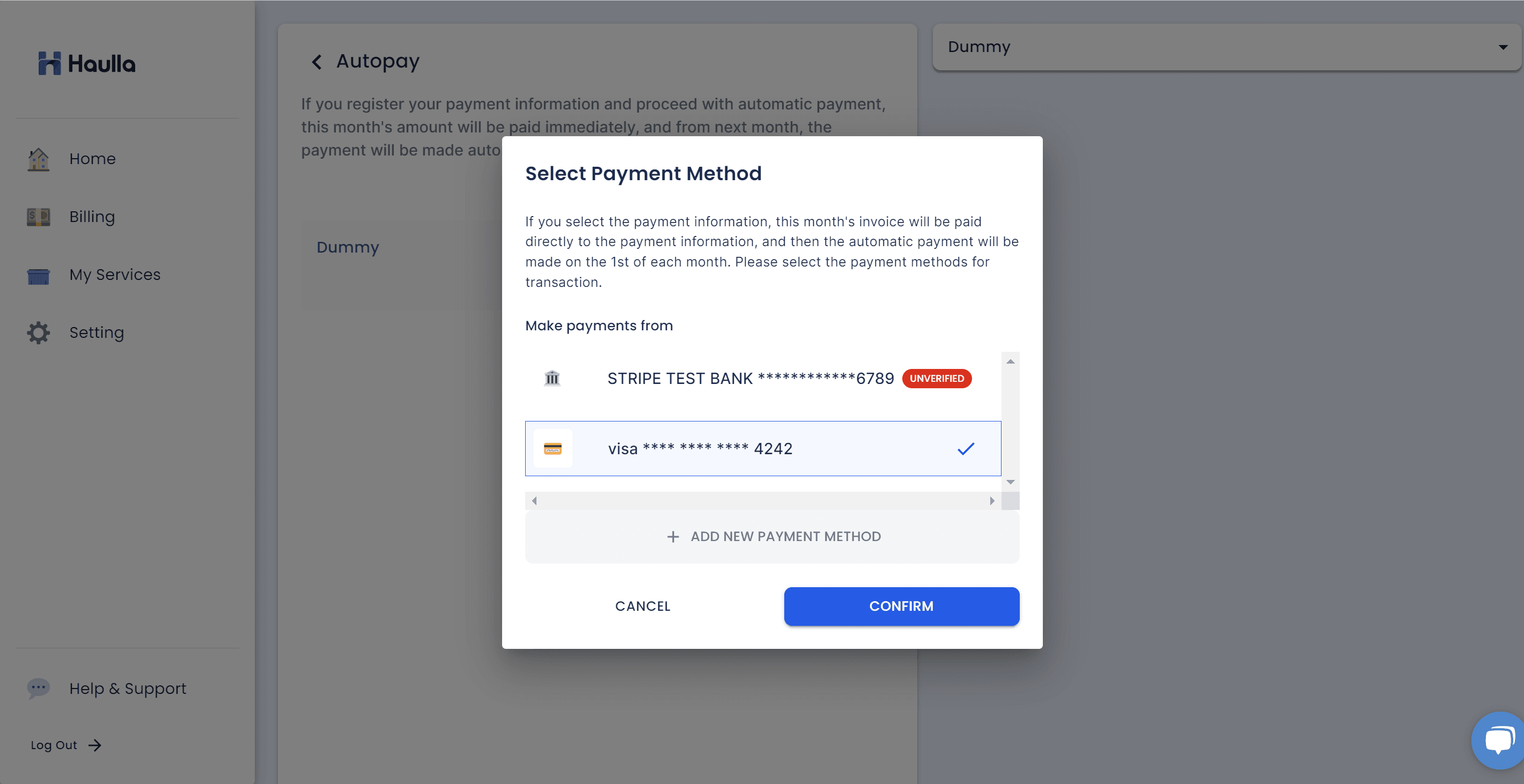
First, If the payment method you are trying to register is marked as 'Unverified,' you must first undergo the authentication process for that card.
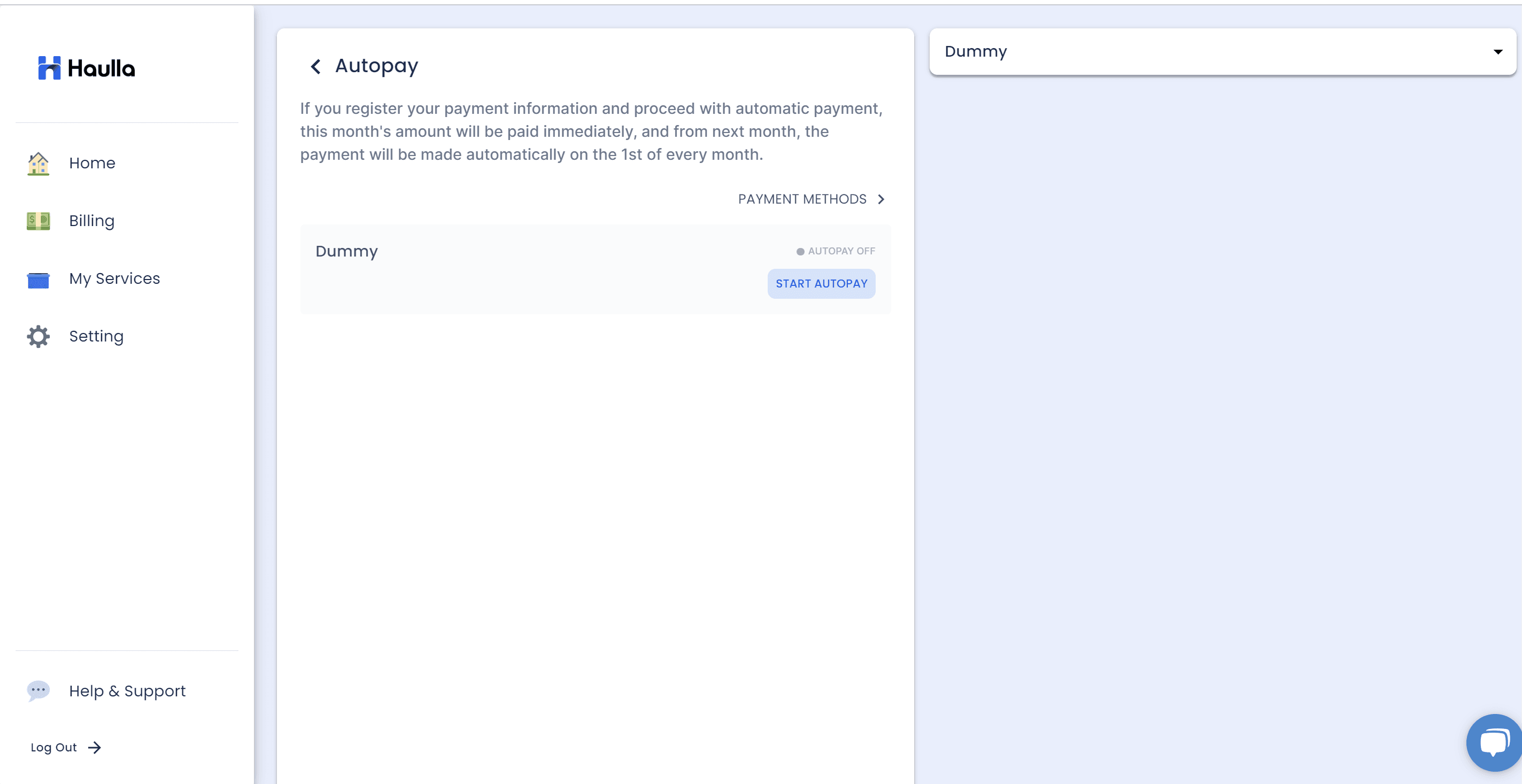
If you want to change the account information in the unverified state to the authentication completed state, you need to process the verification.
- Click Payment Methods button to move on to the screen where you can manage your registered payment methods.
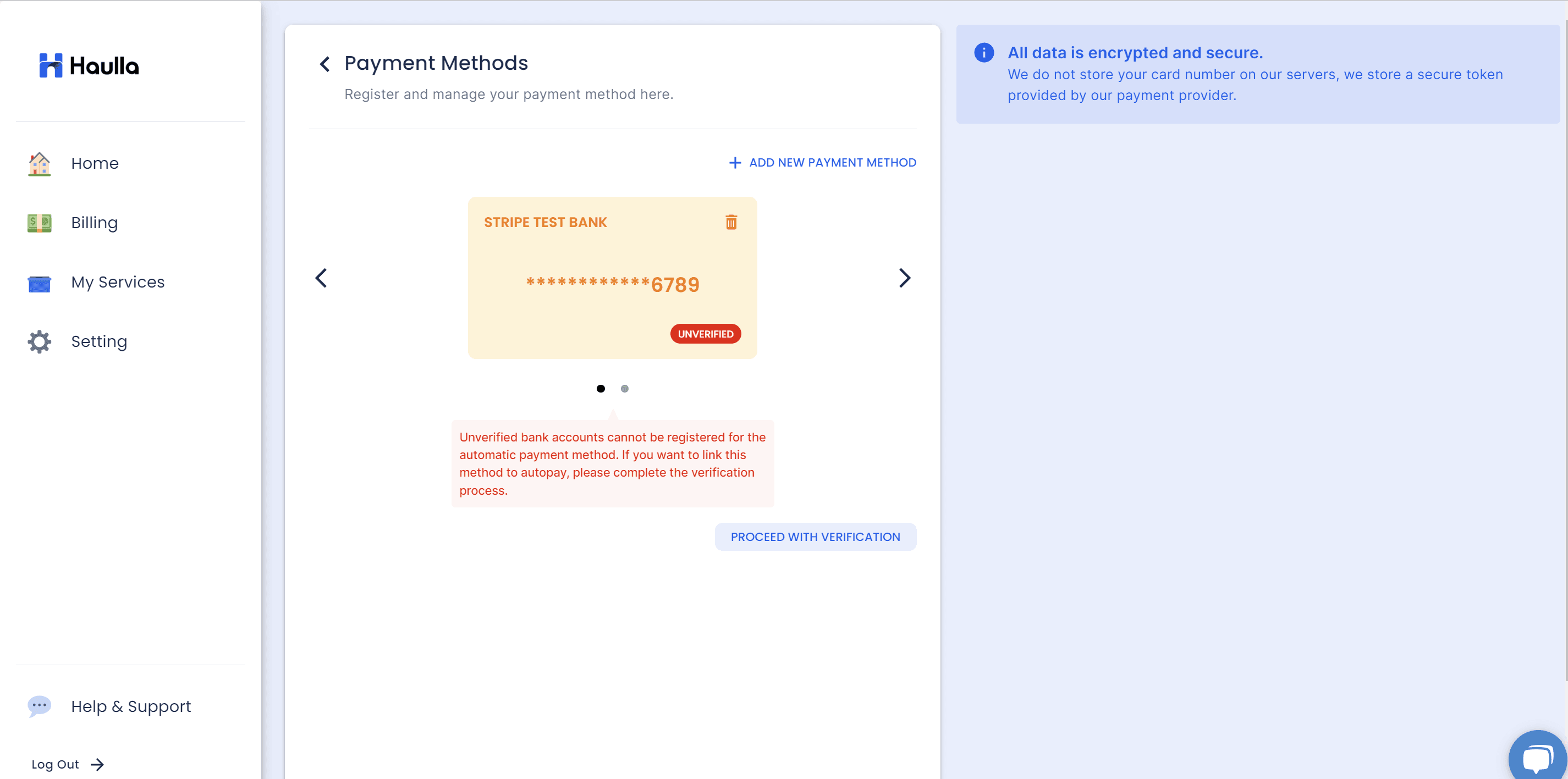
You can check all the registered payment methods on the Payment Methods screen. The unverified payment method will be shown like this. Please click proceed with verification button.
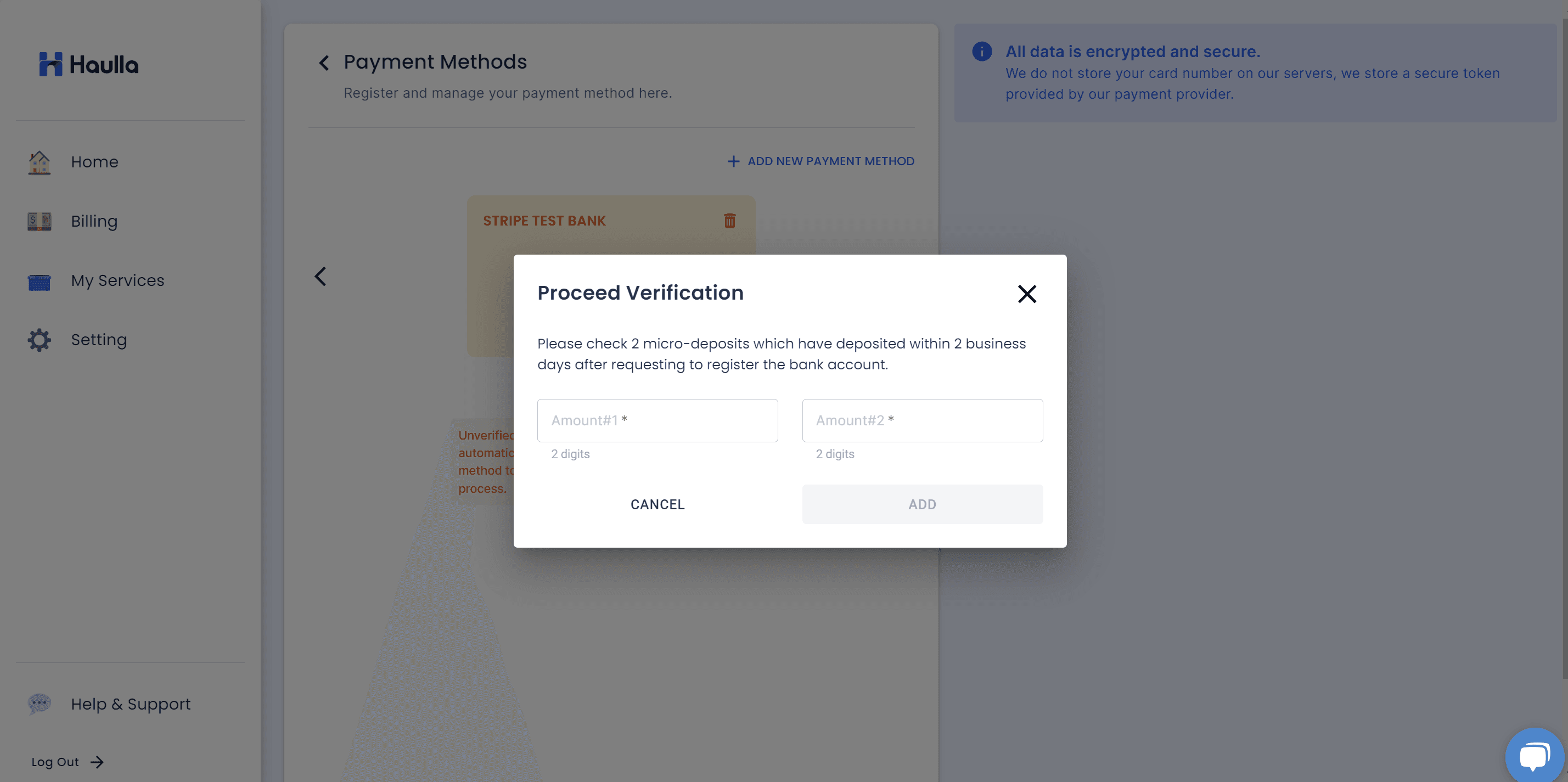
For account information registered through the verify with deposit method, micro-deposit will be remitted to the account after 2 days of registration. Please check the deposited amount and proceed verification.
- Enter the deposition information that matches the input value and click the Add button
- If the deposit amount not matches, error message will be shown.
- If the verification process proceeds normally, the unverified status mark that was displayed next to the payment information disappears. You can now register it normally with your autopay.
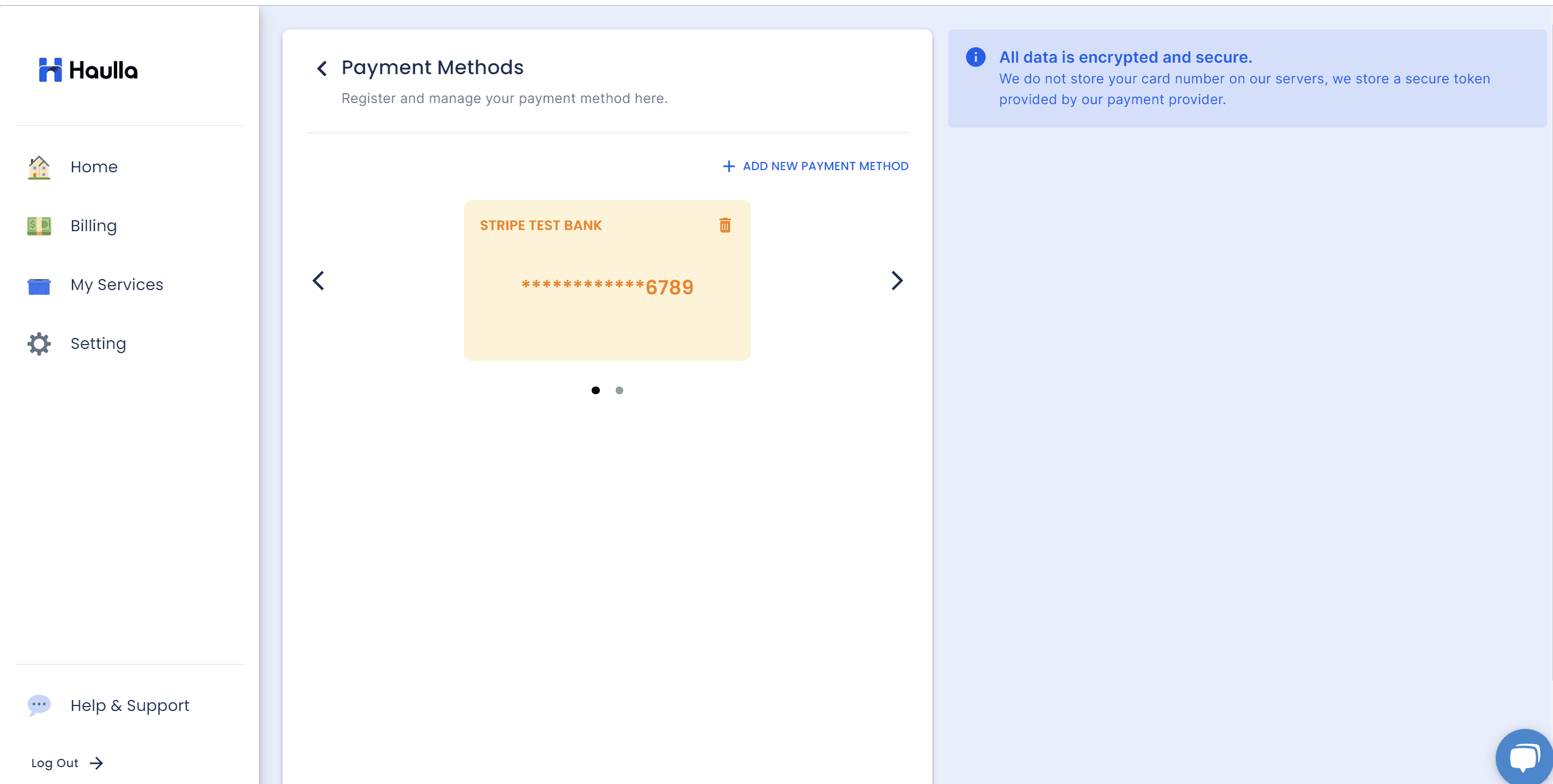
Secondly, if the payment method you are trying to register shows 'Declined' next to it, the card must be deleted and re-registered.
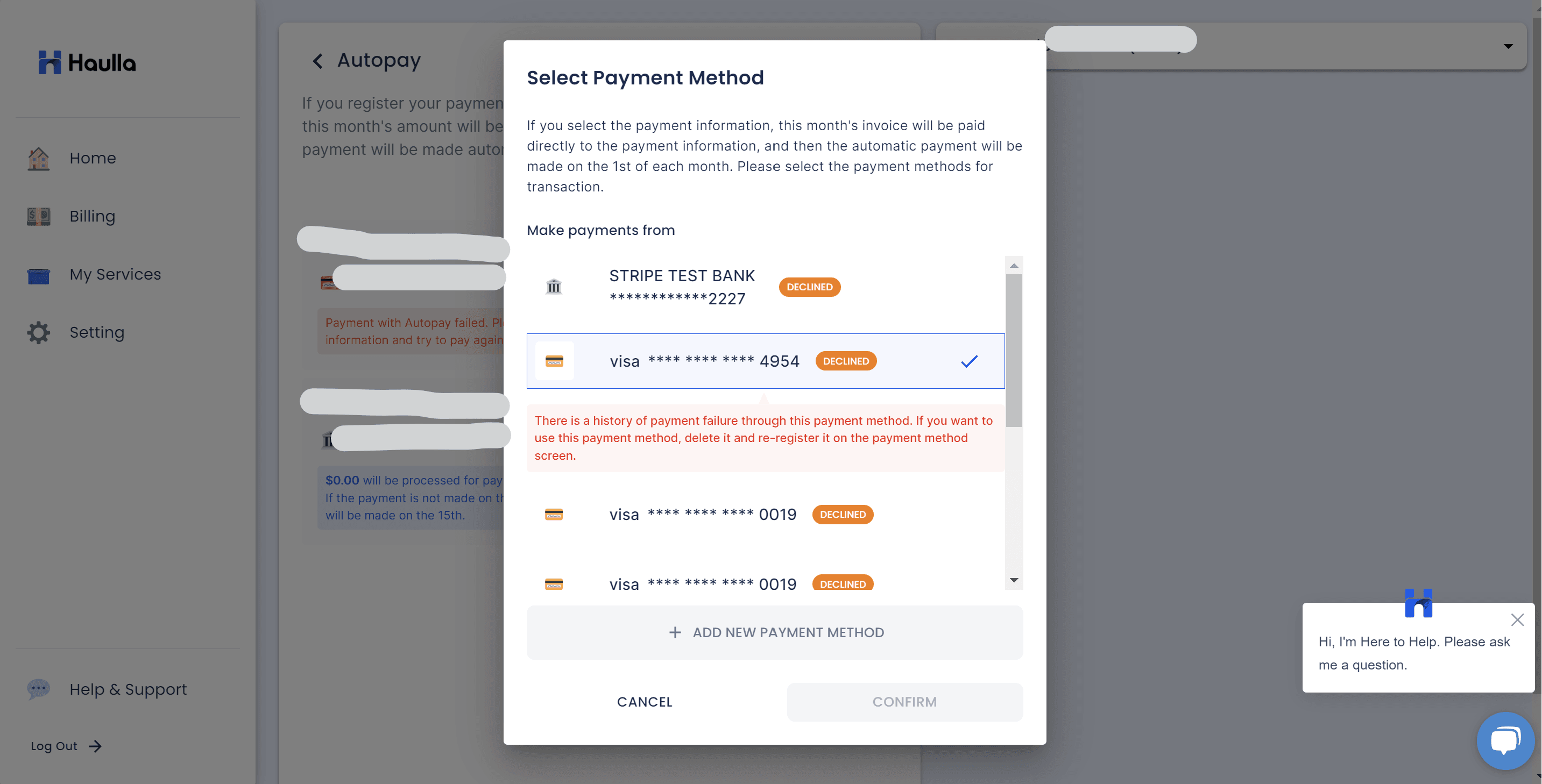
There can be various reasons for a decline. If the issue causing the decline is not resolved, the card may remain unusable even if you delete and re-register it, so please keep this in mind.