What can I do with a customer portal?
At Haulla's Customer Portal, you can find everything about the services you are receiving in online. After receiving the account information and entering the screen, you can check the menu button that provides various functions.
(1) Account
- If you contracted multi-business with Haulla, you can change the screen view to the business you want to check by clicking the menu showing your business name.
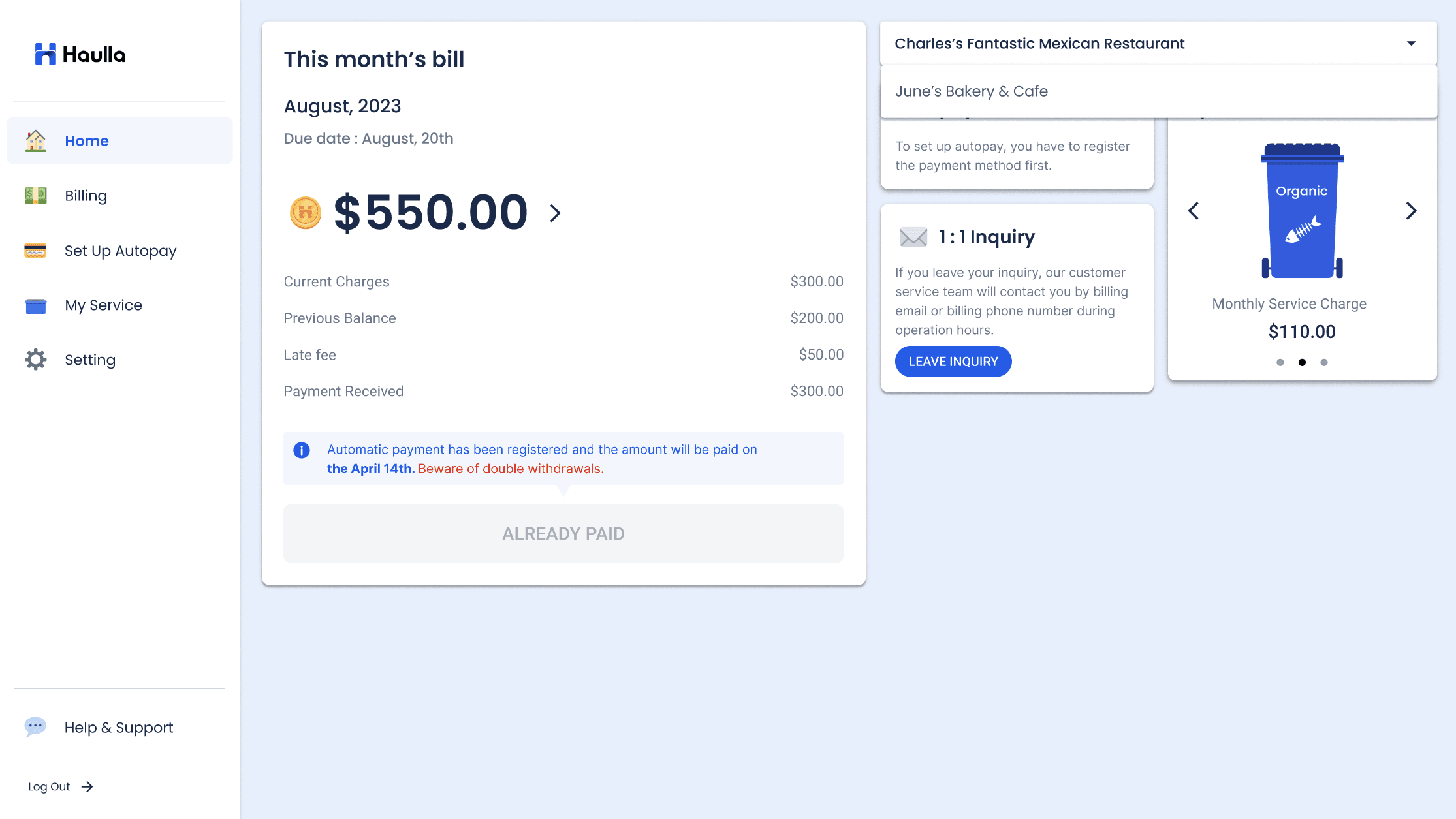
(2) Home
- This is the first screen you will meet when you enter a web page. You can check important information such as this month's bill, my monthly service charge for each dumpster at a glance in Home.
(3) Billing
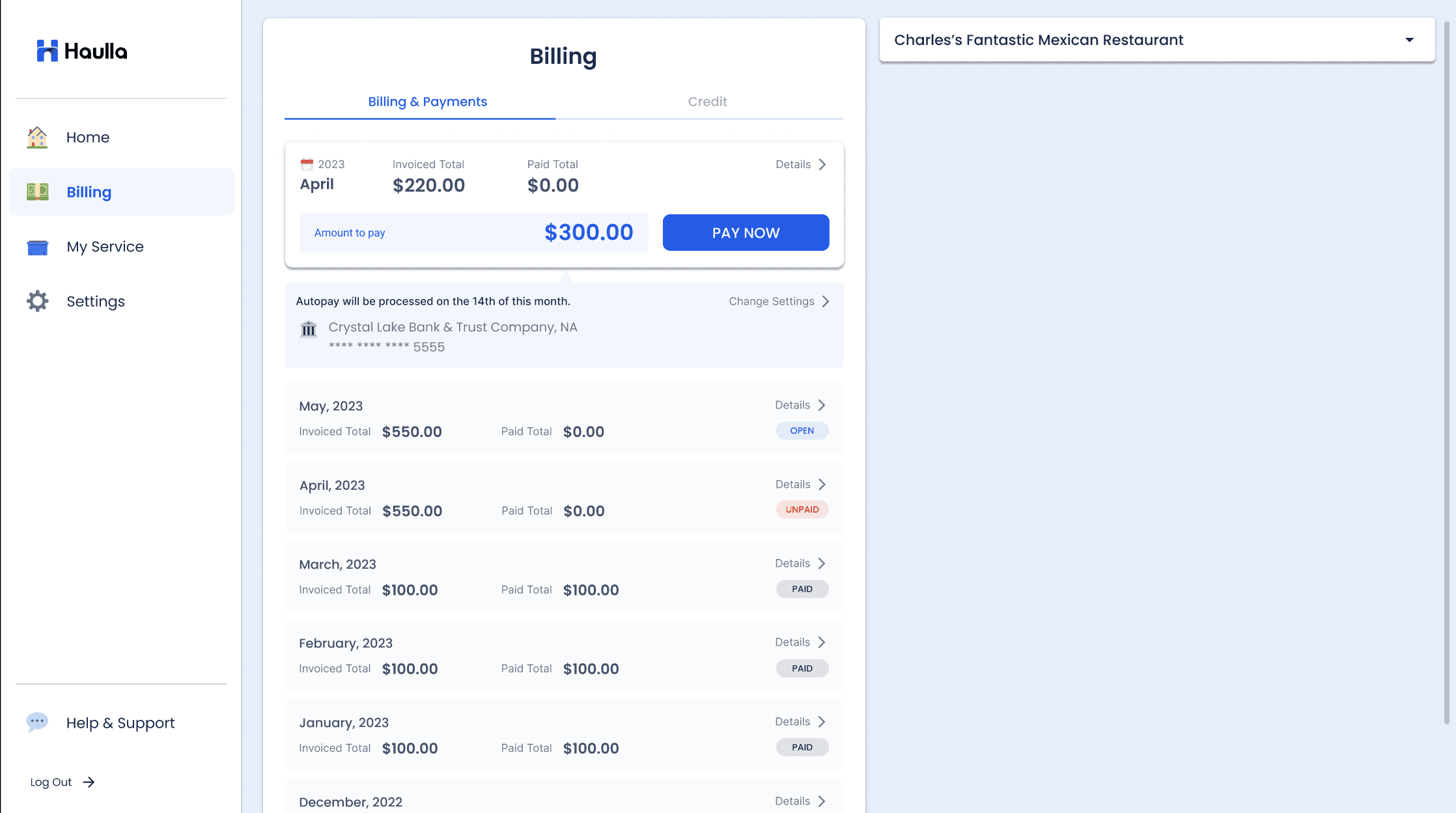
- You can check the history of your billing and payment about all of the service in Billing & Payments screen.
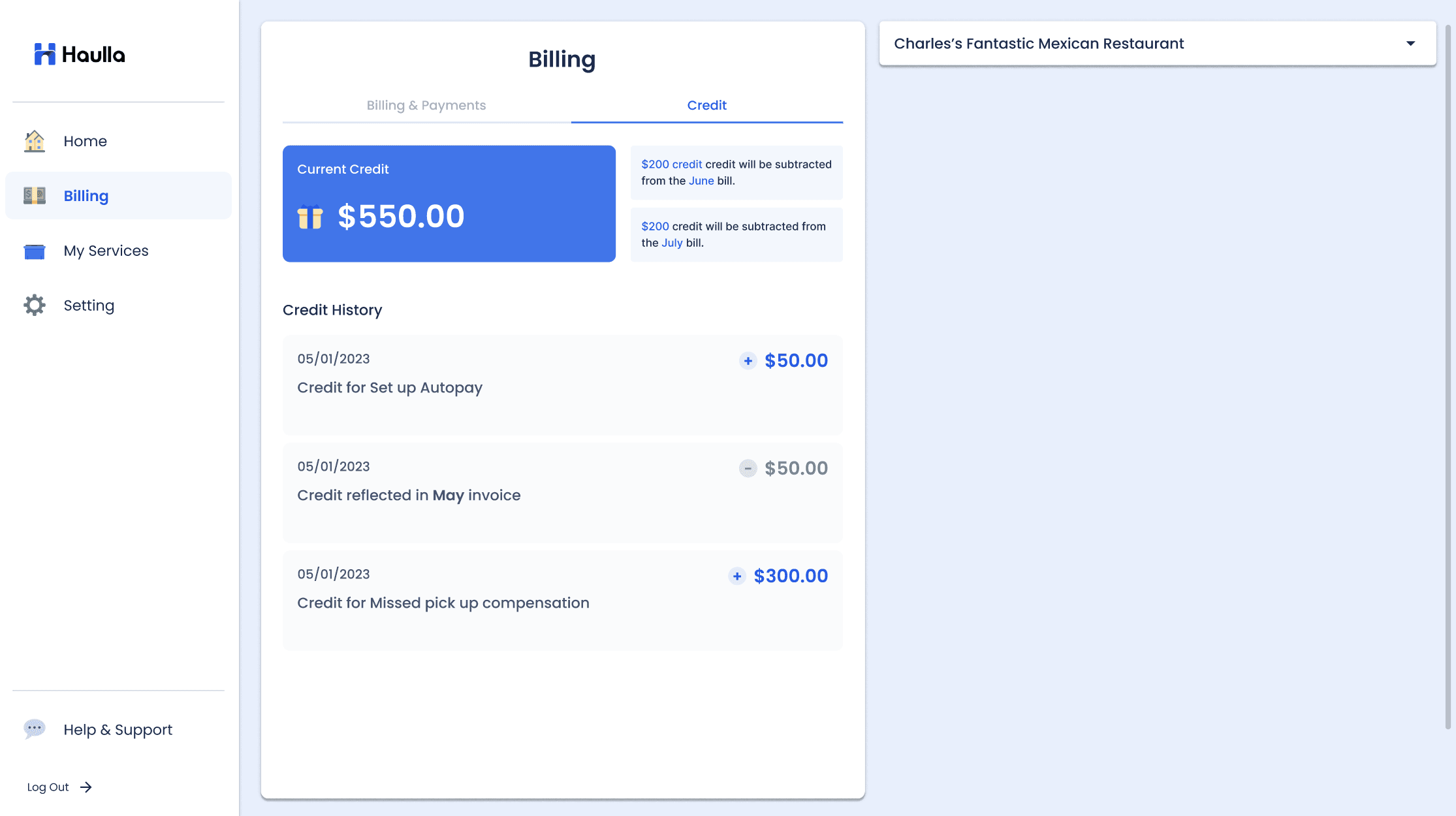
- You can check the history of accumulated credits in Credit screen.
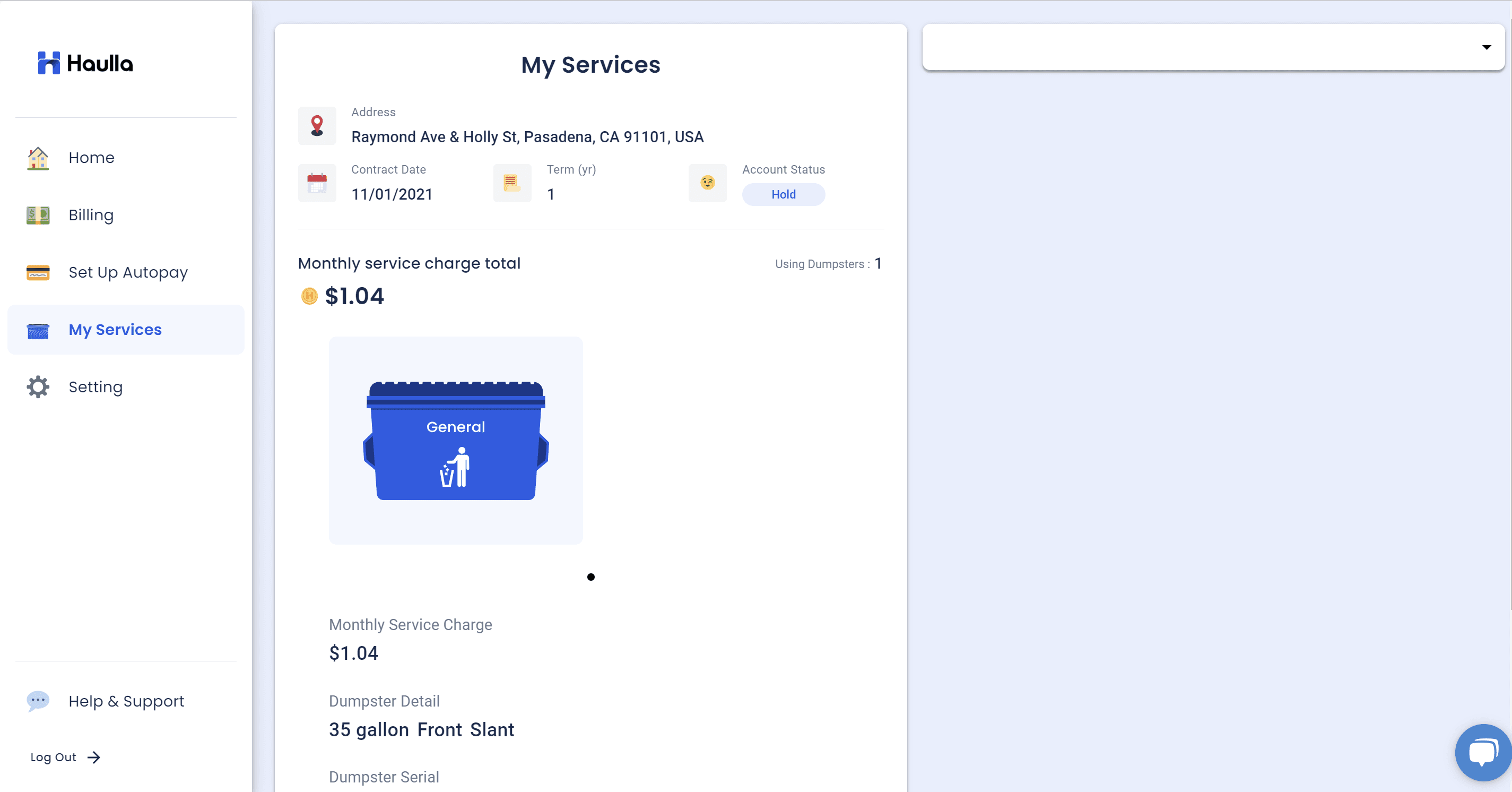
(4) My services
- You can check the details of the service you are receiving in My services. Here you can check the type of Dumpster you are using, the collection cycle, the collection day, etc.
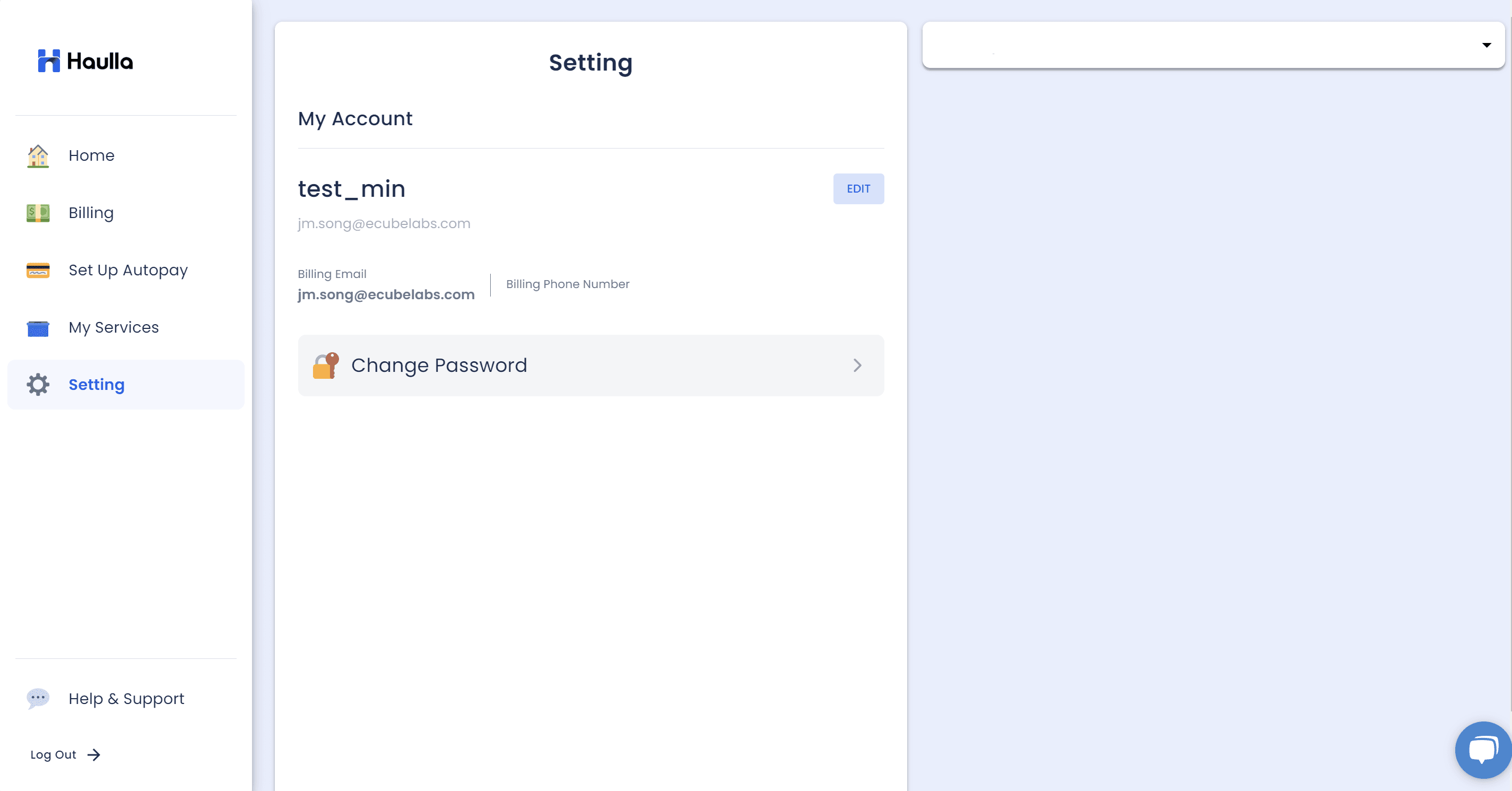
(5) Setting
- You can check all the information about your account in Setting screen.
- You can edit your profile by clicking edit button next to your name.
- You can change your password by clicking the Change Password button.
(6) Help & Support
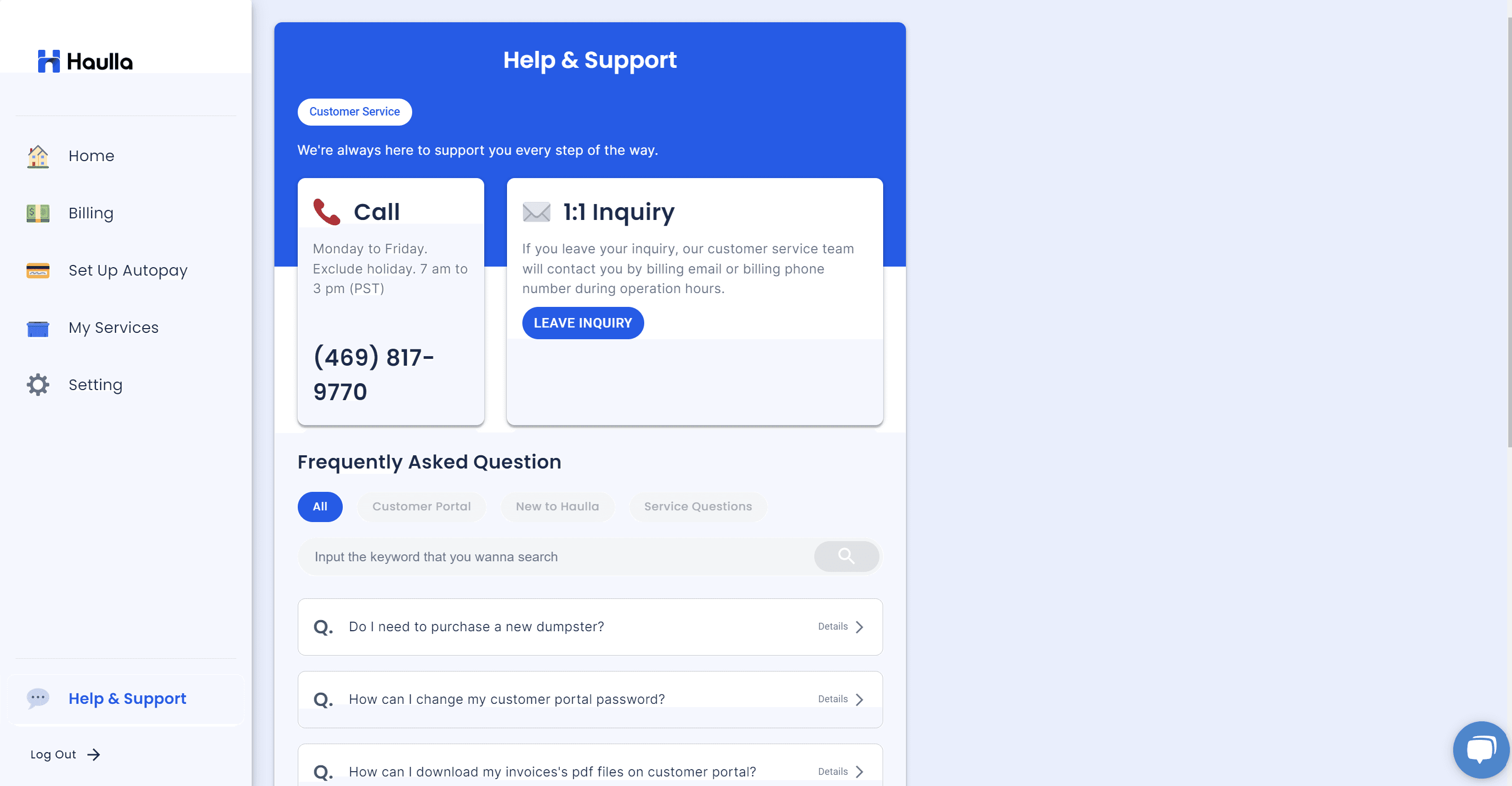
- If you have any questions about using the web page, or if you want to contact the CS personnel at any time, Help & Support screen will give you an information about it.
- You can leave a inquiry on the Help & Support screen.
- You can search about the keyword you want to know about Haulla and get an answer with some articles.