
How can I edit my billing information on the customer portal?
Would you like to change your personal information associated with your account? Would you like to change your last name, first name, or billing phone number? It's very easy to change your personal information in the Customer Portal.
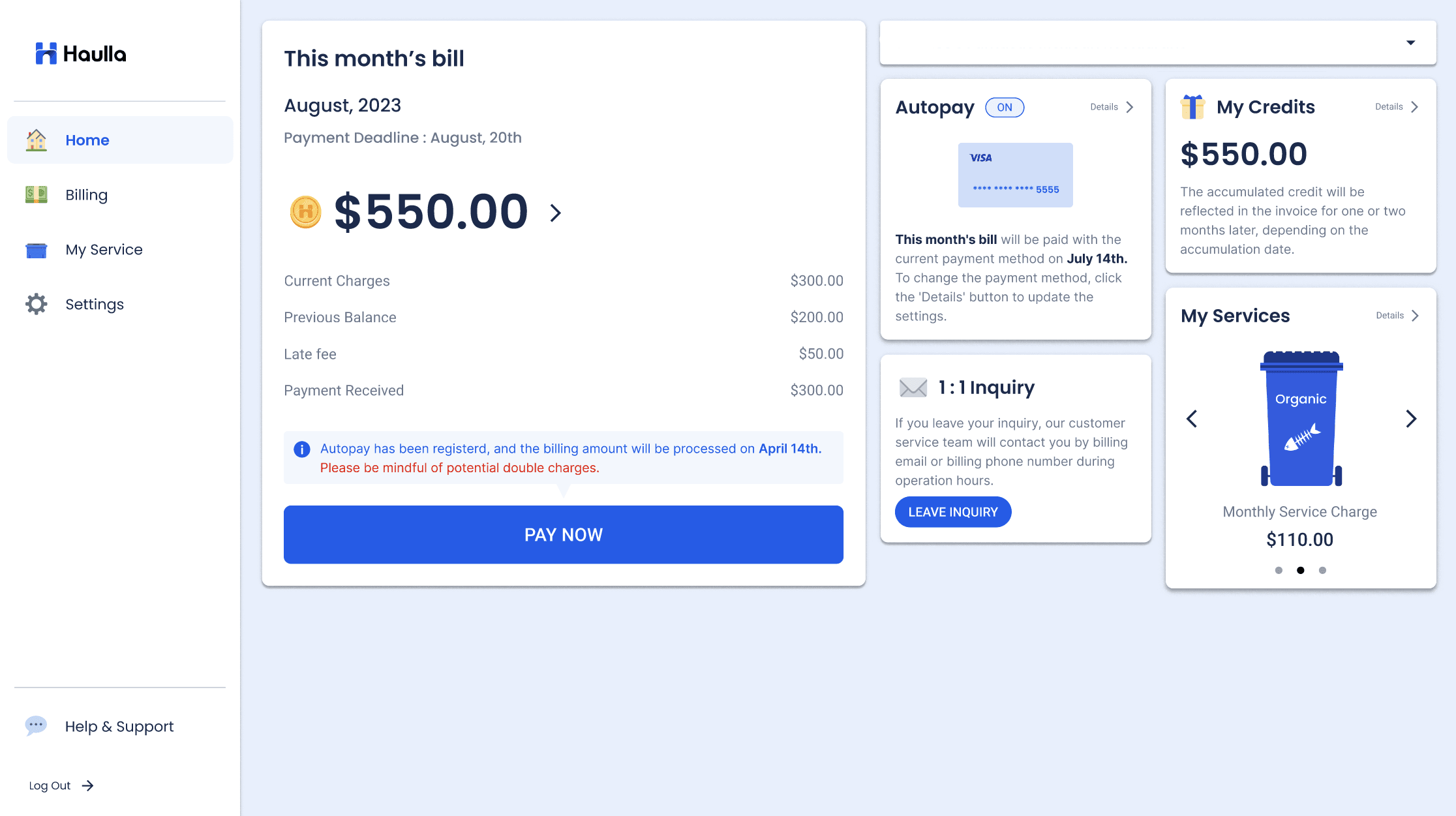
- Press the Setting button on the right menu panel.
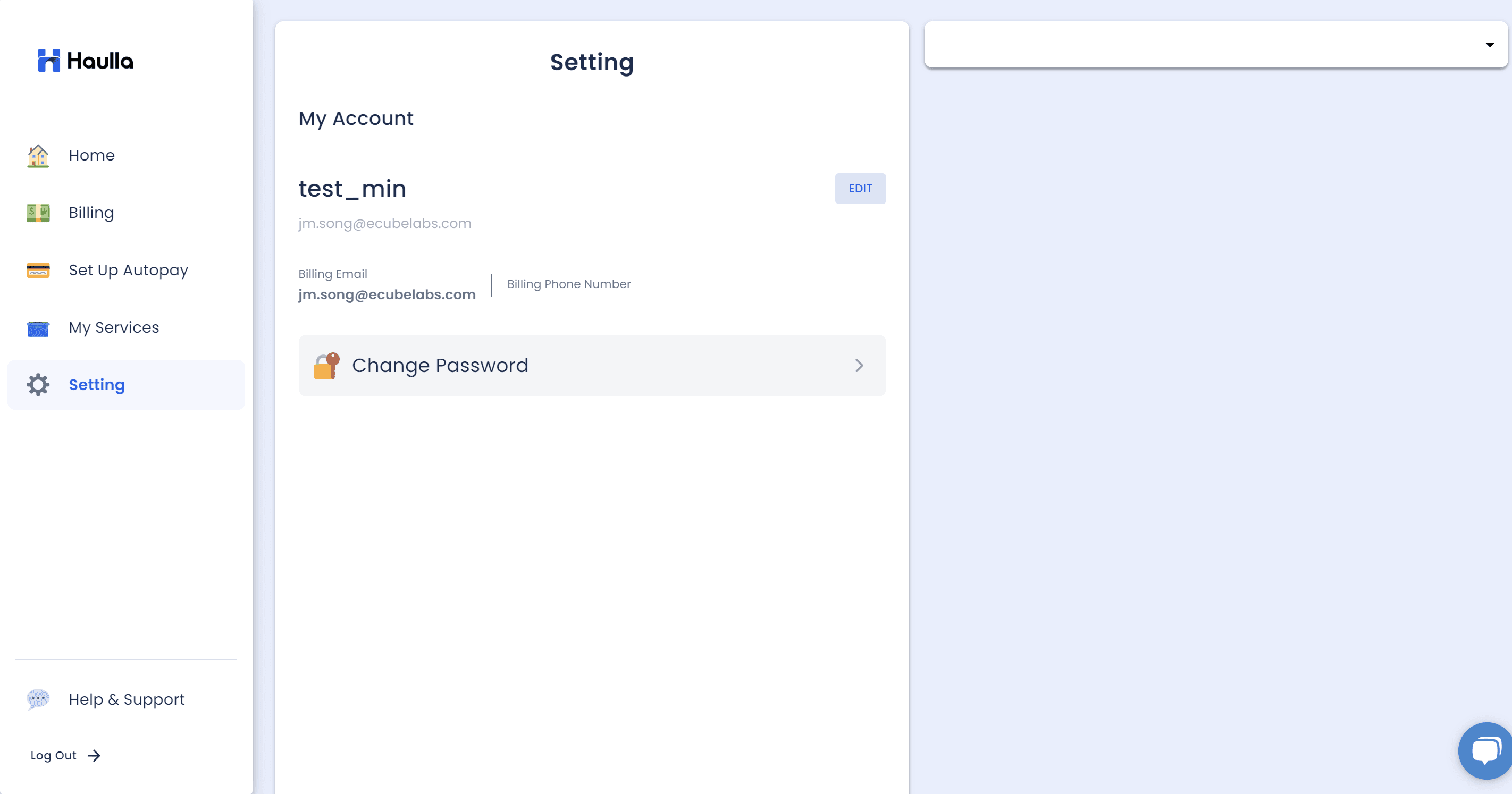
- Click Edit button next to your name to get in the edit profile screen.
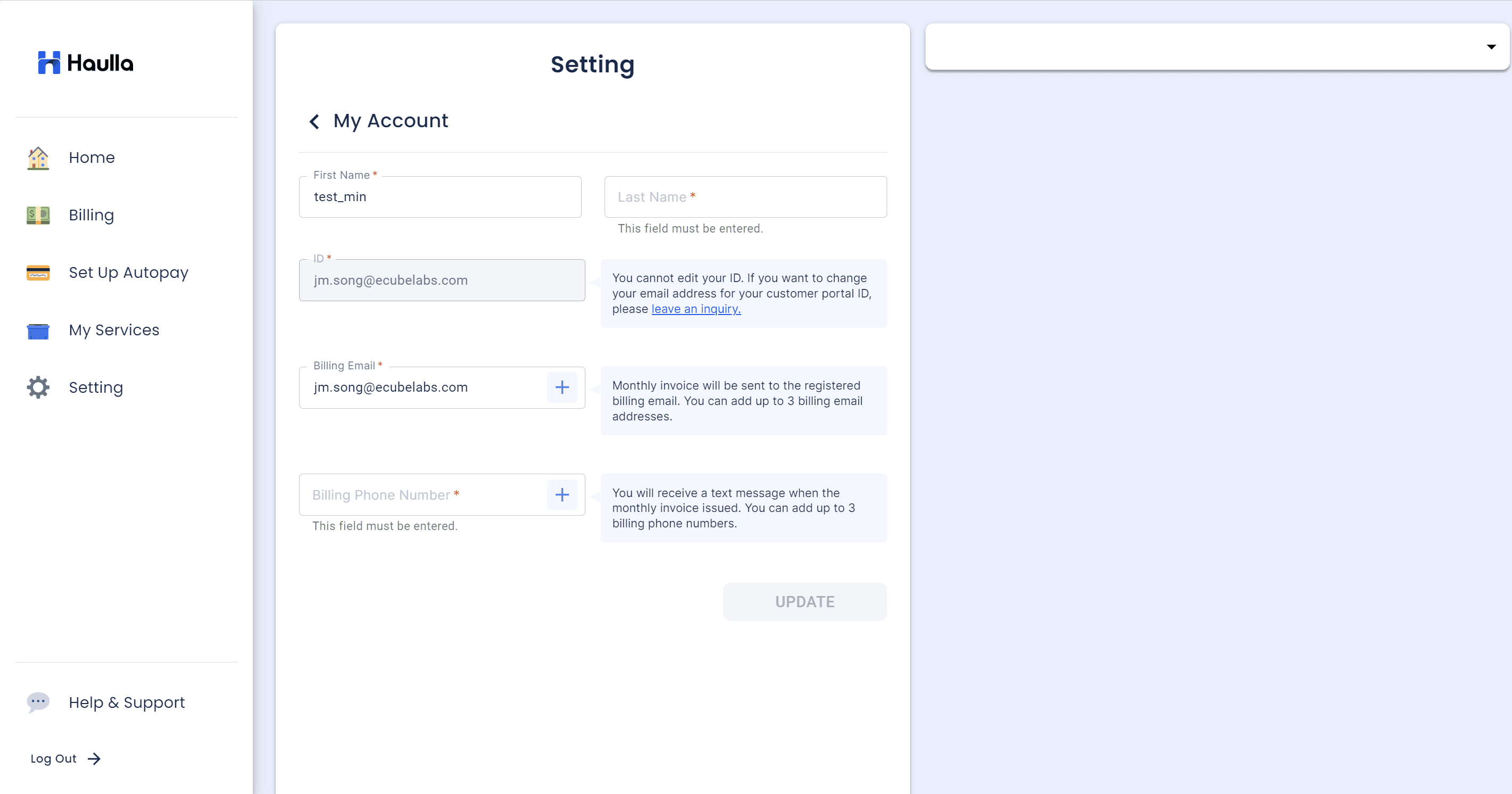
- If you want to change your first name, please enter the name you want to change in the First name input box.
- If you want to change your last name, please enter the last name you want to change in the last name input box.
- Customer Email information cannot be changed in the Customer portal. If you want to change the Customer email which is used for your ID, please submit a CS inquiry.
- If you want to change the billing email address, please enter the email address you want to change in the email address input box. You can add up to 3 billing email addresses by clicking + button.
- If you want to change the billing phone number, please enter the mobile number you want to change in the billing phone number input box. You can add up to 3 billing phone numbers by clicking + button.
- If you have entered all the changes you want to make, please click the Update button. If you cannot click the update button, please check that all required input values marked in red * are entered.
- If you receive a "saved" notification, it means that your personal information has been updated successfully.