
How can I log out from customer portal?
Have you finished using the customer portal and do you want to log out of your account and leave the screen? Please follow the process below to log out.
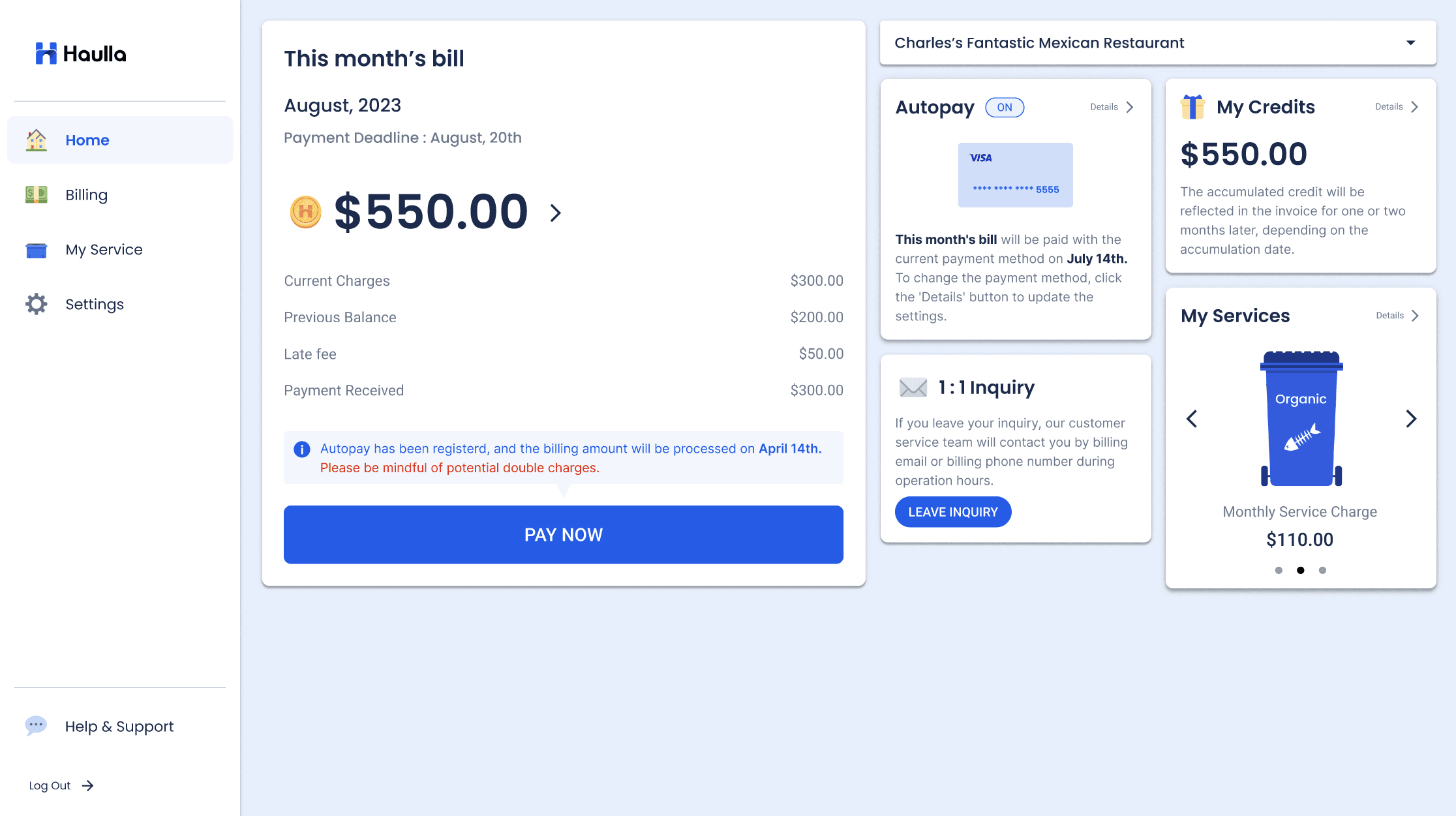
- Press the Logout button at the bottom of the left panel.
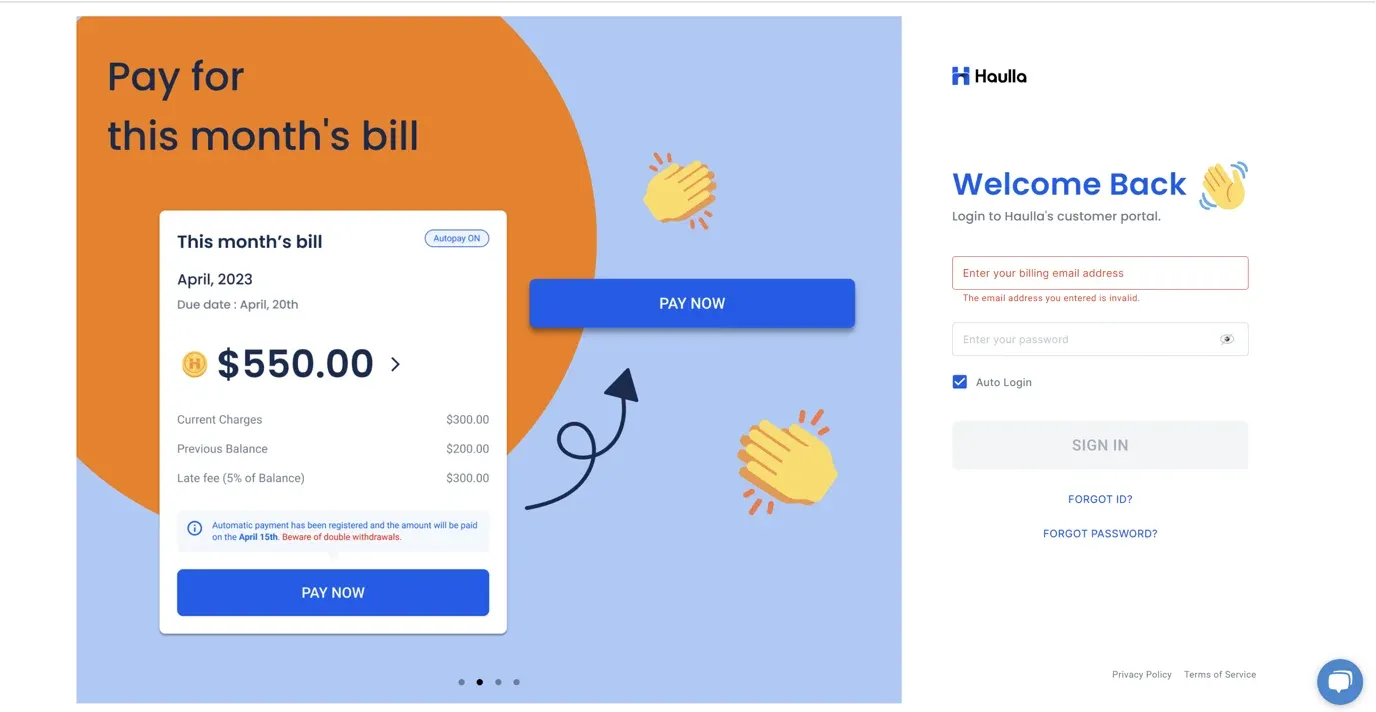
If the screen has switched to the sign in page, you are now logged out normally!